TL;DR:
Most home service businesses use a fraction of what their CRM can actually do. Five features in particular sit ignored in the background while owners lose leads, miss follow-ups, and watch competitors pull ahead. Each one has a direct dollar amount attached. This post covers missed-call text-back, email warm-up, pipeline visibility, automated review collection, and data cleanup, with research from Salesforce, McKinsey, Gartner, and the original MIT/Harvard Business Review lead response study backing up every claim.
A plumber in Twin Falls closes a $2,400 water heater install on a Thursday afternoon. The homeowner is thrilled. She tells him she'll "definitely leave a review." He drives to the next job. Two weeks later, his Google profile is still sitting at 4.1 stars while a competitor with less experience and worse pricing is at 4.8. He never asked. Or more precisely, his system never asked for him.
Across town, an HVAC tech misses a Saturday morning call while he's on a ladder. The caller hangs up, Googles the next result, and books with someone else. He doesn't even know the call happened until Monday, and by then the job is gone.
These aren't rare events. They're what happens every week when business owners pay for a CRM and only use it as a digital Rolodex. The features that prevent these losses are already inside most platforms. They're just not turned on.
Feature 1: Missed-call text-back
Every missed call is a coin flip, and the odds aren't in your favor. A Lead Connect survey found that 78% of customers buy from the first business that responds to their inquiry. The original MIT lead response study, published in the Harvard Business Review, showed that companies responding within five minutes were seven times more likely to qualify the lead than those waiting just one hour longer.
A missed-call text-back feature sends an automatic SMS the moment a call goes unanswered. Something like "Hey, we just missed you. We're finishing up on a job. Can I call you in 15 minutes?" It doesn't replace your voice. It buys you time while your competitor's phone rings into the void.
This is especially critical for home service businesses where calls often come in during active jobs. You're on a roof. You're under a sink. You're driving between appointments. The customer doesn't know or care. They want someone to acknowledge them, and the business that does it first wins. A text-back sent within 10 seconds of a missed call changes the dynamic entirely. Instead of "they didn't answer," the customer thinks "they're busy but they saw me."
The math is straightforward. If you miss five calls a month that would have converted, and your average job is $400, that's $24,000 a year walking out the door because nobody picked up. Automated text-back recovers a meaningful percentage of those calls by keeping the lead warm until you can respond.
Feature 2: Email warm-up
Here's a scenario that plays out constantly. A contractor builds a list of 800 contacts, fires off a promotional email, and gets a 4% open rate. They blame the copy. They blame the offer. The real problem is domain reputation.
If your sending domain is new or if you've sent large volumes inconsistently, inbox providers like Gmail and Outlook flag your messages as suspicious. Your emails land in spam before anyone has a chance to read them. Google's published sender guidelines now require SPF, DKIM, and DMARC authentication for anyone sending to Gmail in volume, and they recommend keeping spam complaint rates below 0.1%.
An email warm-up tool solves this by gradually building your domain's sender reputation through controlled, authentic-looking sending activity over several weeks. The difference between 60% inbox placement and 98% inbox placement on a list of 800 people is 304 conversations you're either having or not having. Subject lines and copy don't matter if the email never reaches the inbox.
Feature 3: Pipeline visibility
Ask most small business owners where their leads are in the sales process and they'll give you a vague answer. "A few are close." "I need to follow up with some people." That's not a pipeline. That's a hope list.
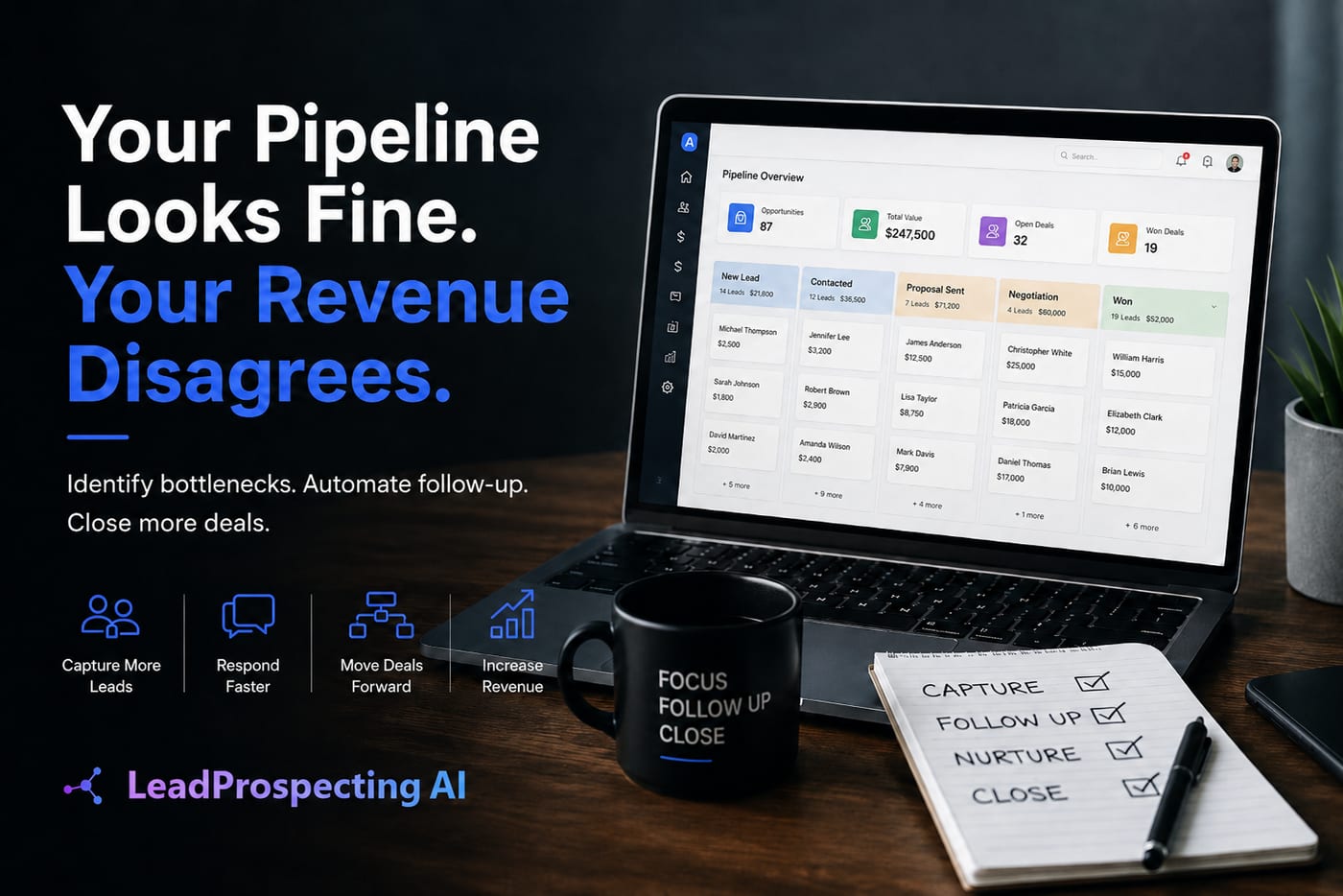
A properly configured pipeline shows you exactly which stage every lead is in, how long they've been sitting there, and when the last touchpoint happened. McKinsey's research on data-driven customer management, published in their "Next in Personalization" report, found that personalization most often drives 10 to 15% revenue lift for companies that execute it well. You can't personalize what you can't see. Visibility creates personalization. Personalization creates conversion.
Here's what a healthy pipeline review looks like inside a well-configured CRM:
New Inquiry. Lead captured, automated text and email confirmation sent within 90 seconds.
Quote Sent. Follow-up reminder triggered at 48 hours if no response.
Negotiating. Manual call reminder assigned to owner or sales rep.
Job Scheduled. Automated appointment confirmation and reminder sent to customer.
Job Completed. Automated review request and referral ask triggered 24 hours post-service.
That sequence doesn't require hiring anyone. It requires setting it up once.
Feature 4: Automated review and referral requests
You finish a job. The customer is happy. You move on to the next one. Three months later your Google rating is stuck at 4.1 while a competitor with less experience is sitting at 4.8 with 200 reviews.
The gap isn't quality. It's process. Happy customers don't leave reviews spontaneously. They leave reviews when someone asks them at the right moment with the right friction level. That moment is 24 to 48 hours after a completed job, and the right friction level is a single tap on a text message link.
The compounding effect matters here. A business that asks for a review after every completed job accumulates social proof month after month. A business that relies on customers remembering to leave one on their own stays stuck at the same rating indefinitely. Over 12 months, the gap between systematic and sporadic review collection can be the difference between 40 reviews and 200.
Salesforce's State of Sales report, surveying 5,500 sales professionals across 27 countries, found that 83% of sales teams using AI saw revenue growth, compared to just 66% of teams without it. That gap exists because AI removes the dead space between action and follow-through. Automated review collection is a textbook example: the job is done, the customer is happy, and the system asks before anyone forgets. No manual sending. No awkward in-person ask. No three-month delay.
Feature 5: Monthly data cleanup
Here's a stat that should make every business owner pause. According to Gartner's research, poor data quality costs organizations an average of $12.9 million per year. Scale that down to a small business and you're still looking at thousands of dollars in lost productivity from duplicate contacts, outdated phone numbers, and deals logged in the wrong stage.
Most owners set up their CRM once and never look back. Contacts accumulate, tags get applied inconsistently, and automation triggers start firing to the wrong people. A follow-up sequence that sends a "thanks for your interest" email to a customer you've already invoiced isn't just embarrassing. It signals to that customer that nobody is paying attention.
Monthly cleanup isn't a nice-to-have. It's maintenance on the most important machine in your business.
A well-maintained CRM should have clean contact records, consistent pipeline stages, working automation sequences, and accurate reporting. If your data is messy, your reports are lying to you, and you're making decisions based on fiction. You think you have 200 active leads. You actually have 80 real prospects, 60 duplicates, and 60 people who changed their phone number two years ago.
Set a monthly calendar reminder. Audit for duplicates, outdated information, and leads stuck in stages without activity. Merge duplicate records. Archive dead leads. Test your automation sequences to make sure the right messages are going to the right people. Twenty minutes a month prevents the slow decay that turns a useful tool into an expensive contact list.
What these five features have in common
None of these are complicated. None of them require a dedicated IT person or a six-month onboarding process. What they require is a platform that bundles them together and an owner who decides to use what they're already paying for.
The businesses pulling ahead right now aren't spending more on marketing. They're using CRM features that connect their lead capture, follow-up, review collection, and reporting into a single system that runs in the background while they're on the job site.
LeadProspecting AI was built to do exactly this for service businesses. Missed-call text-back, email warming, pipeline automation, review requests, and CRM cleanup tools all live under one dashboard. If you want to see which of these five features your current setup is missing, the free trial is the fastest way to find out, no credit card required.
Frequently asked questions
Is a CRM built for home service businesses different from a regular small business CRM? The core features overlap, but the best platforms for home service businesses include field-specific workflows like job scheduling, quote tracking, service reminders, and automated review requests tied to job completion. A generic CRM often requires extensive customization to match those needs, while a purpose-built platform handles them out of the box.
How does missed-call text-back actually work? When an inbound call goes unanswered, the CRM detects the missed call and automatically sends a pre-written SMS to the caller within seconds. You can customize the message, set business hours for when it fires, and route replies back into your inbox or pipeline. It requires no manual action once it's configured.
Do I really need an email warm-up tool? If email marketing is part of your growth strategy, yes. A warm-up tool gradually builds your sending domain's reputation before you launch campaigns. Skip this step and send bulk email from a cold domain, and a large percentage of your messages will land in spam regardless of how good the content is. Google's sender guidelines now require proper authentication and penalize domains with high spam complaint rates.
How often should I clean up my CRM data? Monthly is the realistic minimum. At minimum, audit for duplicate contacts, outdated information, broken automation sequences, and leads stuck without activity. Twenty minutes a month keeps your reports accurate and your automations firing correctly. Quarterly is better than never, but monthly prevents the slow data decay that makes your CRM unreliable.
Can a home service CRM handle both sales and operations? The best ones do. A platform that manages your pipeline, scheduling, invoicing, and follow-up in one place reduces the manual handoff between your sales process and your field operations. That handoff is where most jobs get delayed, miscommunicated, or lost entirely.