TL;DR:
HubSpot and Salesforce dominate the CRM market for good reason, but they were built for teams with dedicated admins and six-figure implementation budgets. If you're running a service business with two to ten people, neither platform was designed for how you actually work. This post compares all three honestly, including where HubSpot and Salesforce genuinely excel, and helps you figure out which one fits your operation right now.
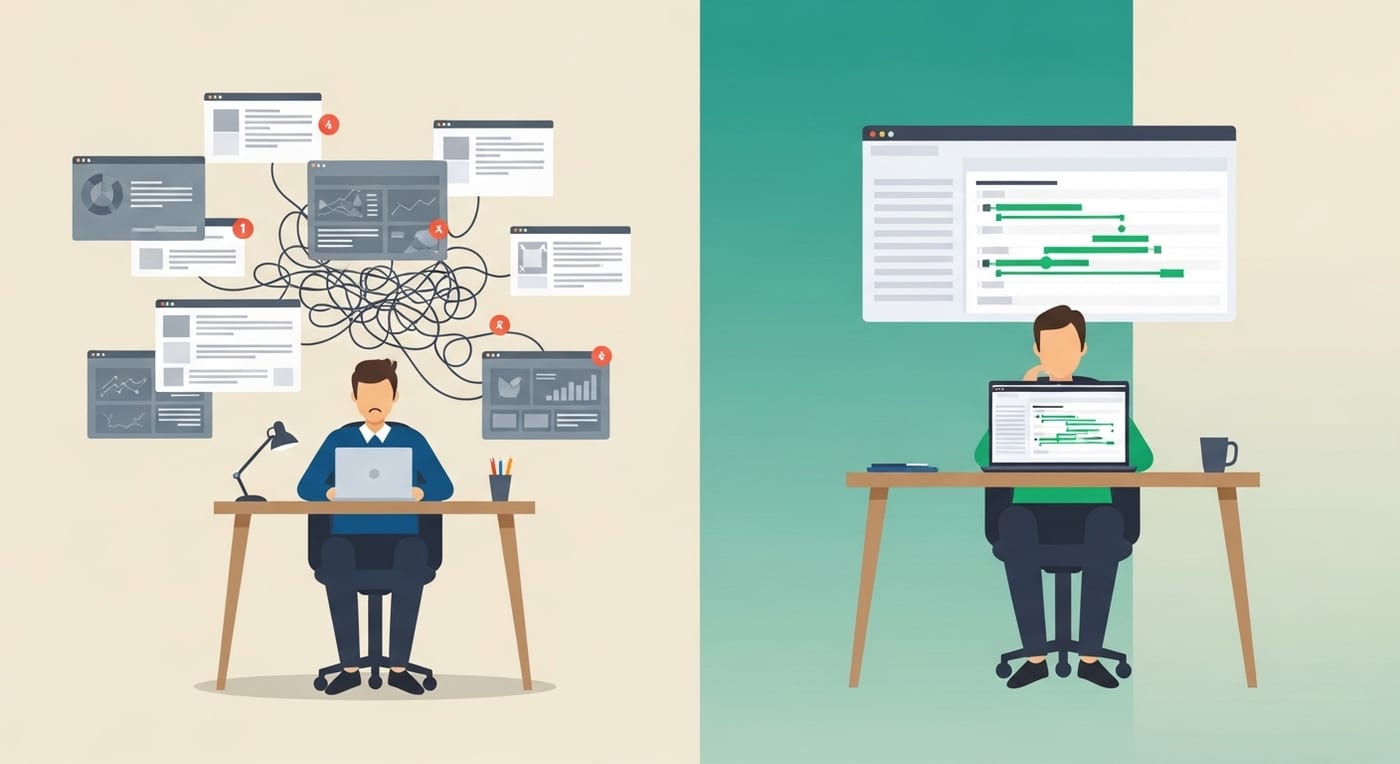
A roofing contractor in Jerome just signed up for Salesforce because a friend at a larger company swore by it. Three weeks later, he's spent $450 on the subscription, watched four tutorial videos, and still hasn't figured out how to add a lead to his pipeline without clicking through six screens. His crew is out closing jobs. He's in the office trying to configure a CRM that was built for a company with an IT department he doesn't have.
Across town, a med spa owner is on month four of HubSpot's Marketing Hub. The email tools are genuinely good. But the moment she needed automation sequences, the bill jumped from free to $800 a month, and she's still paying separately for scheduling software, review management, and a lead database that doesn't talk to any of it.
These aren't failures of willpower or tech literacy. They're what happens when small business owners buy platforms designed for a fundamentally different kind of company.
What the market actually looks like
Before comparing features, it helps to understand who these platforms were built for.
Salesforce holds 20.7% of the global CRM market according to IDC's 2024 analysis, making it the largest CRM vendor in the world for the 12th consecutive year. HubSpot has grown to over 288,000 paying customers across 135 countries, generating $3.07 billion in revenue in 2025. These are massive companies serving massive organizations.
Salesforce's AppExchange hosts roughly 6,200 third-party apps as of late 2025. HubSpot's App Marketplace recently crossed 2,000 apps with 2.5 million active installs. Impressive ecosystems. But the real question for a small business owner is simpler: how many of those apps do you actually need, and how much time will you spend configuring them before you close a single deal?
Where HubSpot and Salesforce genuinely win
Honesty matters here. If you're evaluating CRMs, you deserve to know what each platform does well, not just where they fall short.
HubSpot's strengths are real. Its free CRM tier is genuinely useful for getting started. The content marketing and inbound tools are best in class. The interface is clean, modern, and well-documented. For a marketing team at a company with 50 or more employees, HubSpot is hard to beat. The ecosystem of educational content (HubSpot Academy, certifications, blog) is also a significant asset.
Salesforce's strengths are real, too. The depth of customization is unmatched. Enterprise reporting, complex workflow logic, and the ability to model virtually any business process make it the right choice for large organizations with dedicated Salesforce administrators. There's a reason 83% of Fortune 500 companies use it.
The problem isn't that these platforms are bad software. It's that their pricing, complexity, and feature depth are optimized for teams that look nothing like a five-person service business.
Where the math breaks down for small businesses
Salesforce starts at $25 per user per month for its most basic plan, but anything useful (automation, forecasting, custom objects) quickly climbs to $165 to $330 per user per month after a 2025 price increase. HubSpot's free CRM is a genuine starting point, but the moment you want automation sequences, advanced reporting, or the Marketing Hub at a professional level, you're looking at $800 to $3,200 per month.
For a business with two to ten people, that math stops making sense fast. You're paying enterprise prices for features your team will never touch, configuring tools that require expertise you don't have on staff, and spending hours every week on administration that doesn't generate revenue.
The pricing gap also widens over time. What starts as a reasonable monthly cost at the Starter tier becomes a significant line item the moment you add users, unlock automation, or need advanced reporting. Many small business owners discover this only after they've already migrated their data and trained their team, which makes switching feel expensive even when staying is more expensive.
According to Capterra's research, 74% of CRM users say the technology improved their access to customer data. The benefit is real. The question is which platform delivers that benefit without requiring three months of onboarding and a dedicated admin to keep it running.
What a CRM built for small business actually looks like
A platform purpose-built for service businesses and small teams looks different from an enterprise CRM in a few specific ways.
Lead generation is built in, not bolted on. HubSpot and Salesforce manage the leads you bring in. They don't generate them. A small business CRM should include tools to find and verify contact data directly, so you're not paying for a separate lead database on top of your CRM subscription.
Communication tools are native. Missed-call text-back, SMS follow-up, review requests, and appointment scheduling should live inside the CRM, not require three separate integrations and a Zapier account to connect them. Neither HubSpot nor Salesforce offers missed-call recovery natively.
Automation is designed for non-technical users. Both enterprise platforms offer powerful automation, but setup requires significant technical skill. A small business owner shouldn't need to hire a consultant to build a follow-up sequence.
Pricing scales with small business reality. The jump from "free" or "starter" to "actually useful" shouldn't be $800 a month. Pricing should reflect the budgets of businesses doing $500K to $5M in revenue, not $50M.
Everything connects by default. When your CRM, email marketing, lead capture, invoicing, review requests, and pipeline management all live in one system, data flows without manual re-entry. A lead that comes in through your website automatically enters your pipeline, triggers a follow-up sequence, and surfaces for your closer the next morning. No integration headaches. No lost leads between systems.
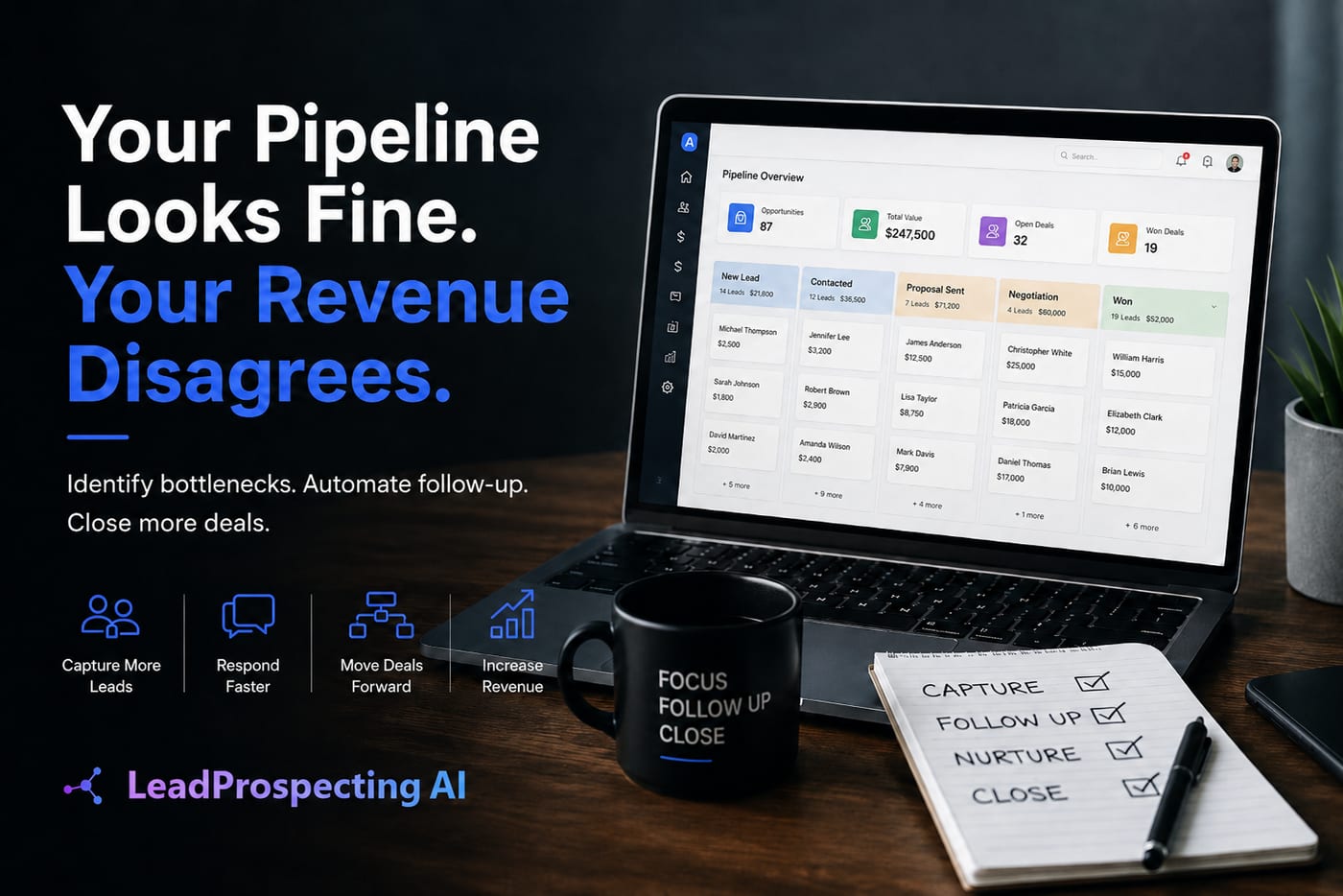
This is how LeadProspecting AI is structured. It combines CRM, lead generation, email marketing with built-in domain warming, automation workflows, missed-call text-back, review requests, and invoicing under one dashboard. It was built specifically for service businesses, contractors, agencies, and local professionals who need their tools to work out of the box without a certification course or an implementation consultant.
The real cost of staying with the wrong platform
Every month you spend on a CRM that doesn't fit your workflow is a month your follow-up is slower, your pipeline is messier, and your revenue is lower than it should be. A market research report on small business CRM adoption found that over 72% of small businesses adopt CRM to improve sales productivity, while 65% focus on customer retention efficiency. Those goals are achievable, but only if the platform supports the way your team actually operates.
The hidden cost isn't just the monthly subscription. It's the time your team spends navigating a bloated interface, the leads that fall through because your communication tools aren't connected to your CRM, and the deals you lose while waiting for someone to configure your automations.
The CRM software market is projected to grow at an 11.5% CAGR from 2025 to 2035 according to Market Research Future. That growth reflects a market where businesses are realizing that standalone tools don't cut it anymore. The competitive edge belongs to whoever can act on data faster and respond to leads more intelligently. For small businesses, that edge comes from simplicity and integration, not from having 6,200 apps in a marketplace you'll never browse.
How to decide
Here's a simple framework. The right CRM depends on your team size, your technical capacity, and how central lead generation is to your business model.
Choose Salesforce if you have a dedicated admin or IT support, your team is 50 or more people, you need deep customization and complex reporting, and your implementation budget is $10,000 or more. Salesforce rewards investment. The companies that get the most from it are the ones that can afford to configure it deeply and maintain it over time.
Choose HubSpot if you have a marketing-heavy operation with a team of 20 or more, you want best-in-class content and inbound tools, you're willing to pay $800 or more monthly as you scale, and you have someone on staff who can manage the platform. HubSpot's free tier is a genuine starting point, and the educational ecosystem (Academy, certifications, community) makes onboarding smoother than most alternatives.
Choose LeadProspecting AI if you're a service business, contractor, agency, or local professional with two to ten people. You need lead generation, CRM, email, SMS, reviews, and automation in one system without paying enterprise prices or hiring an admin to run it. You want to be operational in days, not months. And you want the platform to generate leads for you, not just manage the ones you already have.
If you want to see exactly how the platform is structured for businesses like yours, LeadProspecting AI offers a free trial with no credit card required.
Frequently asked questions
Is LeadProspecting AI a realistic alternative to HubSpot for a business with fewer than ten employees? In many ways, yes. HubSpot's pricing and feature depth are optimized for marketing departments, not lean teams wearing multiple hats. LeadProspecting AI includes the features small businesses actually use (pipeline management, email campaigns, missed-call recovery, review automation) without requiring enterprise-level spend or a dedicated admin.
How does LeadProspecting AI compare to GoHighLevel? GoHighLevel is a popular white-label platform often resold by agencies. It covers a wide range of marketing and CRM functions, but can feel complex for business owners who aren't already operating inside a digital marketing agency ecosystem. LeadProspecting AI offers similar automation depth with a cleaner interface focused on revenue-generating activities for service businesses, including lead generation, email warming, and built-in content tools.
Can I replace my separate email marketing tool with LeadProspecting AI? In most cases, yes. The platform includes full email marketing and nurture campaign functionality, along with email warming to protect your domain reputation and maintain high inbox placement rates. If you're currently paying separately for an email platform on top of your CRM, consolidating to one system saves both money and the time you spend keeping them synced.
What if I'm mid-contract with HubSpot or Salesforce? Start by auditing what you're actually using in your current platform versus what you're paying for. Many businesses discover they're using 20% of the features they're billed for. If that's your situation, map out a transition timeline before your next renewal. You don't have to switch overnight.
Does LeadProspecting AI work for industries outside of home services? Yes. While the platform is particularly well-suited for contractors and home service businesses, it's actively used by agencies, consultants, real estate professionals, health and wellness businesses, and professional service providers. The core functions (pipeline management, lead generation, automated follow-up, client communication) apply across virtually any service-based business model.