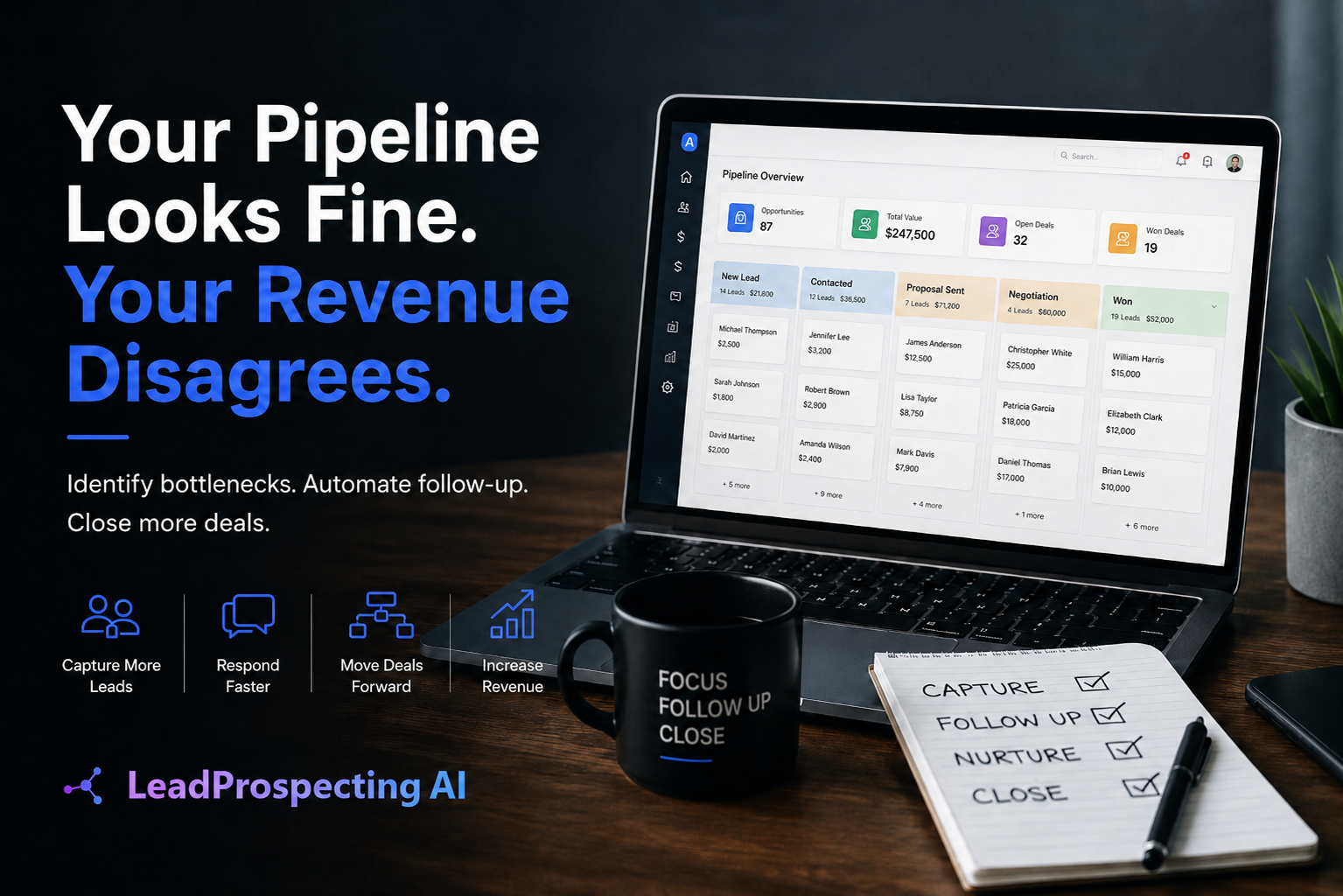
Your Calendar Is Full. Your Bank Account Disagrees.
You invested in appointment scheduling software because you wanted to stop playing phone tag and start closing more business. Reasonable move. But here is what nobody told you: booking a time slot is not the same as booking revenue.
The gap between a scheduled appointment and a paid invoice is where most small businesses silently hemorrhage money. Leads ghost. Proposals get ignored. Follow-ups never happen because nobody built a system to send them. The calendar looks productive. The pipeline tells a different story.
If you have ever stared at a full appointment book on Monday and a disappointing deposit total on Friday, this post is for you. We are going to break down exactly why your scheduling tool is failing you at every stage after the click, and what a real revenue system looks like instead.
The Illusion of a Booked Appointment
Most appointment scheduling software does one thing well: it lets someone pick a time. That is it. The tool sends a confirmation email, maybe a reminder, and then it steps back and hopes for the best.
Hope is not a follow-up sequence.
According to Harvard Business Review, companies that follow up with leads within one hour are nearly seven times more likely to qualify that lead than those who wait even two hours. Most scheduling tools have zero mechanism to do this. They confirm the booking and go silent.
Here is what actually happens in the real world after someone books a consultation or service call:
- 30 to 40 percent of appointments end in a no-show when there is no multi-touch reminder sequence in place
- Leads who do not hear from you within minutes of booking start shopping your competitors
- Proposals sent manually (or never sent at all) kill momentum that took weeks of marketing dollars to build
- Missed calls during or after appointments go unreturned, and those callers convert to someone else
- Reviews and referrals never get requested because the job is done and the software moved on
The appointment was a starting line, not a finish line. Your tool is treating it like a finish line.
Where the Money Actually Leaks Out
Let us get specific, because vague talk about "lost revenue" does not help you fix anything.
Leak 1: The no-show gap. If you are running 20 appointments a month and 6 of them ghost you, and your average job value is $800, that is $4,800 in lost or delayed revenue monthly. A proper auto reply service built into your CRM would trigger a confirmation text the moment someone books, a reminder 48 hours out, and a final nudge 2 hours before. That sequence alone can cut no-shows by more than half.
Leak 2: The proposal dead zone. Contractors know this one intimately. You do the estimate, you say you will send something over, and three days later the prospect has already hired someone else. Using proper proposal software for contractors that auto-generates, sends, and tracks quotes from inside your CRM closes this gap immediately. No copy-pasting into Word docs. No chasing your own paperwork.
Leak 3: The post-appointment silence. After the job or consultation, nothing happens. No review request. No referral ask. No upsell sequence. No check-in. You did the hard work and then walked away from all the downstream value sitting right there.
For a deeper look at what causes stalled pipelines beyond just scheduling, read Why Your CRM Pipeline Isn't Moving: 7 Bottlenecks Killing Your Sales Velocity. Several of those bottlenecks start at the exact moment an appointment gets booked.
The Real Problem: You Have a Tool, Not a System
This is the trap. Appointment scheduling software is a point solution. It solves one narrow problem: letting someone pick a date and time. But revenue does not come from a date and time. Revenue comes from a connected sequence of actions that happen before, during, and after that appointment.
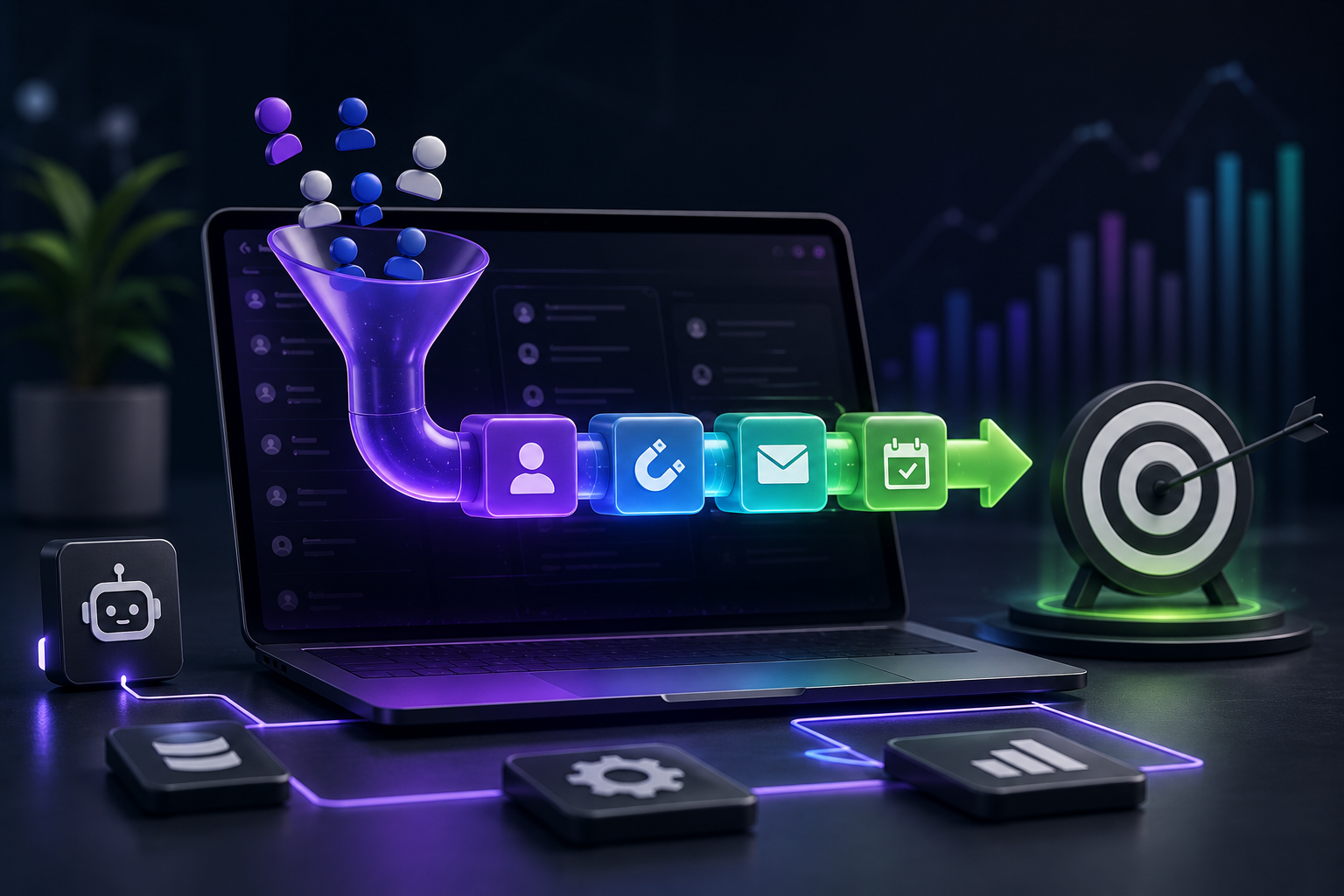
A real system looks like this:
- Lead enters the pipeline from your website form, a missed call, or a lead scraper tool that pulled verified contacts from Google Maps data
- Instant text or email reply fires automatically within seconds of that first contact
- Appointment is booked inside the CRM, not in a separate tool
- Reminder sequence triggers automatically at 48 hours, 24 hours, and 2 hours before
- Quote or proposal generates from a template during or right after the appointment
- Follow-up sequence launches if the quote is not accepted within 48 hours
- Invoice and payment tracking connects directly to the job record
- Post-service automation requests a Google review and triggers a referral ask
Every single one of those steps can be automated. Not theoretically automated. Actually automated, running right now, while you are on a job site or with a client or asleep. That is what the features inside LeadProspecting AI are built to do: connect every step from first touch to final review into one system with no manual hand-offs required.
If you are stacking Calendly on top of HubSpot on top of DocuSign on top of QuickBooks, you already know the pain of tools that do not talk to each other. You are also paying for all of them separately. That specific problem is worth reading about in detail: check out The AI CRM Software Trap: When Scheduling Tools Cost More before your next renewal cycle hits.
What Happens When You Fix Visibility First
Here is the part most scheduling-focused conversations skip entirely: if your calendar is not getting enough bookings in the first place, no amount of automation fixes the fundamental problem. You need leads before you can convert them.
According to Statista, over 5.4 billion people use the internet globally, and local search drives massive purchase intent, especially for service businesses. If your Google Business Profile is incomplete, your website is not indexed properly, and you are not showing up in local results, the calendar stays empty regardless of how clean your scheduling tool is.
This is where combining local seo software with your CRM platform becomes a competitive advantage instead of a luxury. When you are optimizing your Google My Business presence, publishing SEO content consistently, and using a lead scraper software tool to proactively identify and contact businesses in your target market, you are filling the top of the funnel so the bottom actually has something to convert.
LeadProspecting AI pulls this together in a way that standalone tools cannot. The lead scraper pulls verified contacts with real emails and social profiles from Google Maps data. Those contacts flow directly into a CRM pipeline. Outreach starts automatically. Appointments get booked. The whole system connects. You can review exactly how this works end to end on the Services page at LeadProspecting AI.
And if you are wondering whether your current tech stack is actually serving you or just draining your budget, spend ten minutes with The 5-Question Martech Audit That Cuts Your Software Costs. Most business owners who do this audit find they are paying for three to five tools they could replace with one platform.
Building a Calendar That Actually Converts
Converting a scheduled appointment into revenue requires five things working in sequence: fast response, consistent follow-up, frictionless proposals, automated reminders, and a post-job nurture system. Most businesses have none of these connected.
Start with the biggest leak first. If you are losing appointments to no-shows, build the reminder sequence today. If you are losing deals because proposals take too long, automate the quote-to-send process. If you are not getting reviews, set up a triggered post-service text that goes out 24 hours after job completion. Do not try to fix everything at once. Fix the leak that is costing you the most money this week.
The platform built for exactly this is LeadProspecting AI. One login gives you CRM pipelines, appointment tracking, automated reminders, proposal generation, payment tracking, review requests, and the workflow builder to connect all of it with triggers, templates, and conditional logic. Check the current pricing plans to see how this compares to what you are already paying for tools that do not talk to each other.
Your appointment scheduling software is not the problem. It is just the wrong tool in the wrong position, doing a narrow job in a system that demands a full team. Replace the collection of disconnected tools with one platform that handles the entire journey, from the first contact to the five-star review, and your calendar will finally start converting the way it should.
Frequently Asked Questions About Appointment Scheduling and Revenue Conversion
Q: Why does my appointment scheduling software not help with follow-ups?
Most standalone scheduling tools are built only to handle booking logistics: confirming a time, sending a calendar invite, and maybe a single reminder. They are not built to manage a sales pipeline, trigger proposals, or run post-appointment nurture sequences. You need a CRM with scheduling built in, not a scheduler bolted onto a CRM.
Q: How much revenue am I actually losing to no-shows and ghosted quotes?
It depends on your average job value and appointment volume, but the math adds up fast. If you run 15 appointments a month, lose 5 to no-shows, and your average ticket is $600, that is $3,000 a month in just no-show losses alone. Ghosted proposals add another layer on top. A multi-touch reminder sequence and automated quote follow-ups typically recover a significant portion of that within the first 30 days.
Q: Can an auto reply service really make a difference in lead conversion?
Yes, and the data backs this up strongly. Speed to response is one of the highest-impact factors in whether a lead converts or moves on. An auto reply service that fires a text or email within 60 seconds of a form submission or missed call keeps you in the conversation before the lead has time to open a competitor's website. LeadProspecting AI includes this as a core feature, not an add-on.
Q: What is the difference between a lead scraper tool and a standard contact list?
A standard contact list is static and often outdated. A lead scraper tool pulls live, verified data from sources like Google Maps, including business names, phone numbers, verified emails, and social profiles. This means every outreach starts with a real person at a real business, dramatically improving the quality of your prospecting and your reply rates.
Q: Do I need to replace my existing scheduling tool to use LeadProspecting AI?
In most cases, yes, and it works in your favor. Rather than paying separately for a scheduler, a CRM, proposal software, email marketing, and review management, LeadProspecting AI consolidates all of it under one platform. You stop paying for tools that do not connect and start running a system where every step feeds the next one automatically.