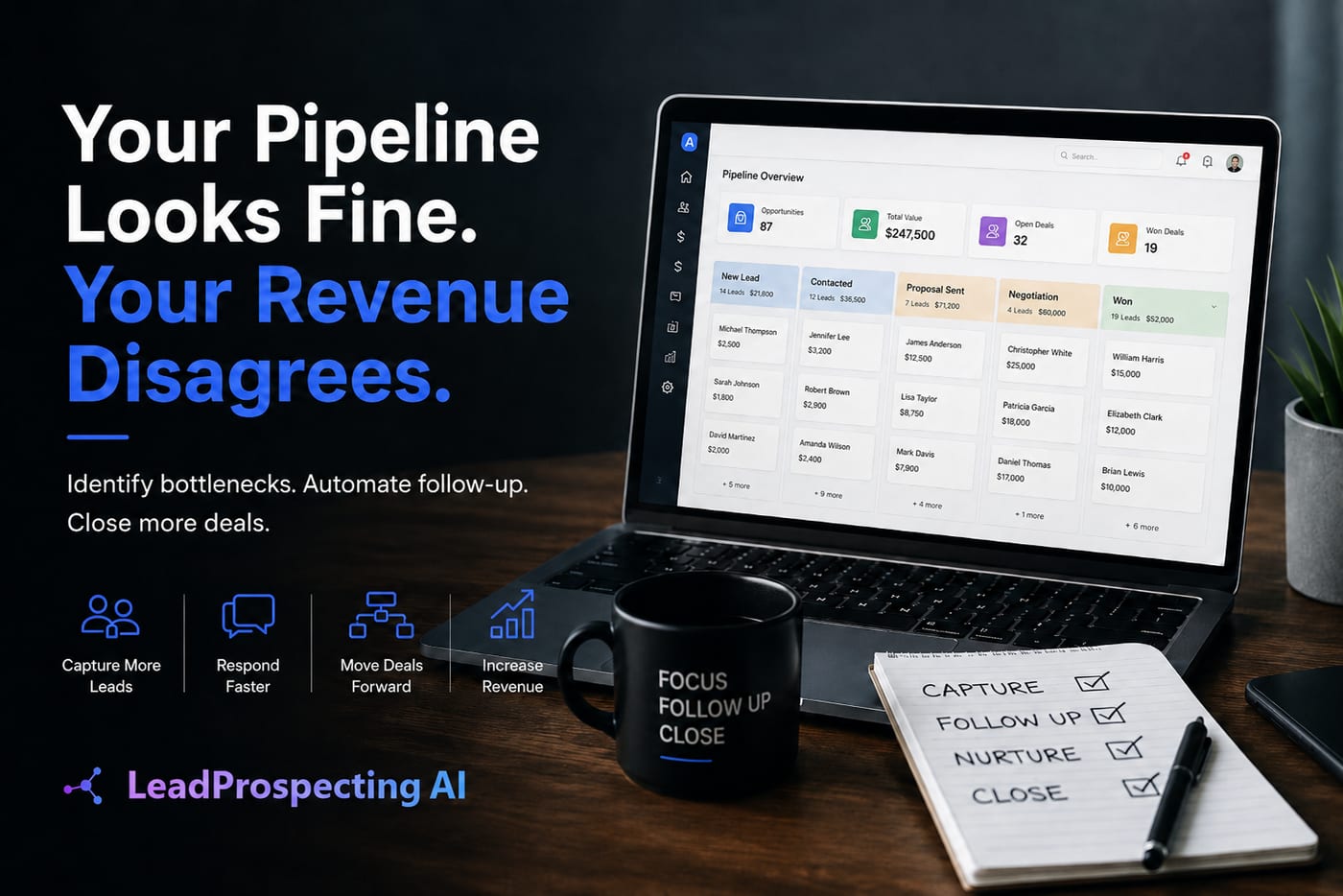
You're Paying for Convenience That's Actually Costing You Clients
If you're using ai crm software with a built-in appointment scheduling tool, there's a good chance you're paying a hidden tax every single month. Not in fees you can see on an invoice, but in missed bookings, broken workflows, and a scheduling experience so clunky that prospects quietly close the tab.
Here's the trap: when a CRM bundles in scheduling as a feature, it's rarely the best scheduling tool available. It's good enough to check a box on the features page. And "good enough" is exactly what's costing you real revenue.
The global appointment scheduling software market was valued at $336 million in 2024 and is projected to reach $942 million by 2032 at a CAGR of 16.2%, driven by businesses that need to automate scheduling and actually streamline client interactions. That growth exists because scheduling is its own serious problem. Bolting a mediocre solution onto a CRM doesn't solve it.
The Real Cost of Bundled Scheduling Inside Your CRM
Most business owners assume that consolidating tools saves money. In some cases, it does. But scheduling is one area where the bundled approach consistently underperforms, and the costs show up in ways that don't appear on a subscription invoice.
Think about what happens when a prospect clicks your booking link and hits a slow-loading form with no brand consistency, limited time zone logic, and zero follow-up automation. They either book anyway and show up unprepared, or they leave and book with a competitor who made it feel effortless. You never know which one happened.
According to Insightly's research on CRM implementation costs, hidden costs for add-ons, customizations, and integrations often exceed advertised base pricing by 50 to 200 percent. When your CRM's built-in scheduler can't handle your actual workflow, you end up paying for workarounds: third-party form builders, Zapier connections, manual calendar syncs, and staff time to manage the gaps. That 50 percent overage adds up fast.
The deeper problem is this: most teams aren't even using what they're already paying for. AIMultiple's research on CRM pricing shows that most teams use less than 60 percent of available features in their first year, yet businesses routinely overbuy feature sets they don't need. The scheduling tab sits there, half-configured, while the team improvises around it.
What a Real AI CRM Software Workflow Actually Looks Like
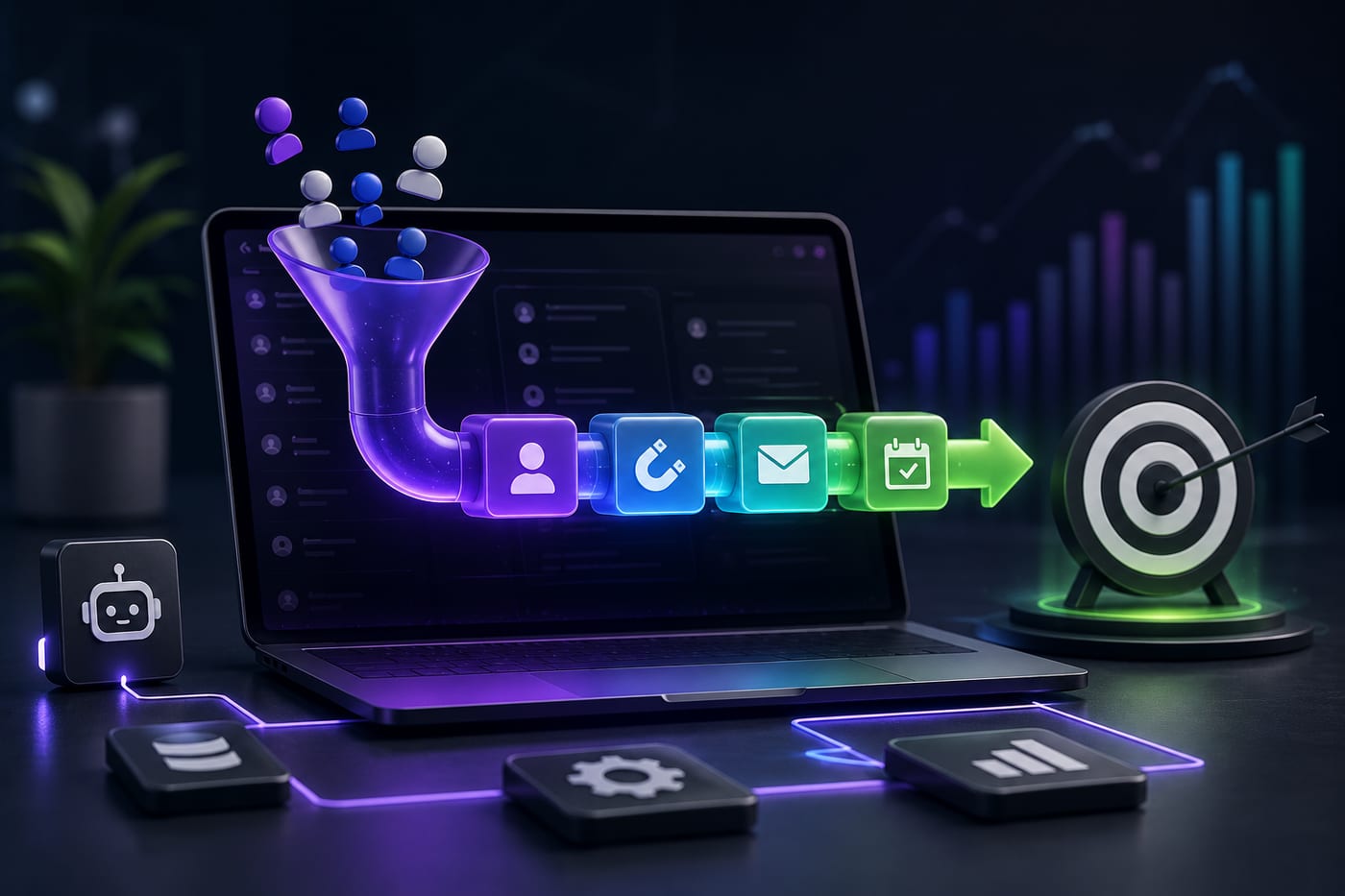
A properly built ai crm software system doesn't treat scheduling as a checkbox. It treats it as a pipeline stage with triggers, follow-up logic, and revenue implications attached to every booking.
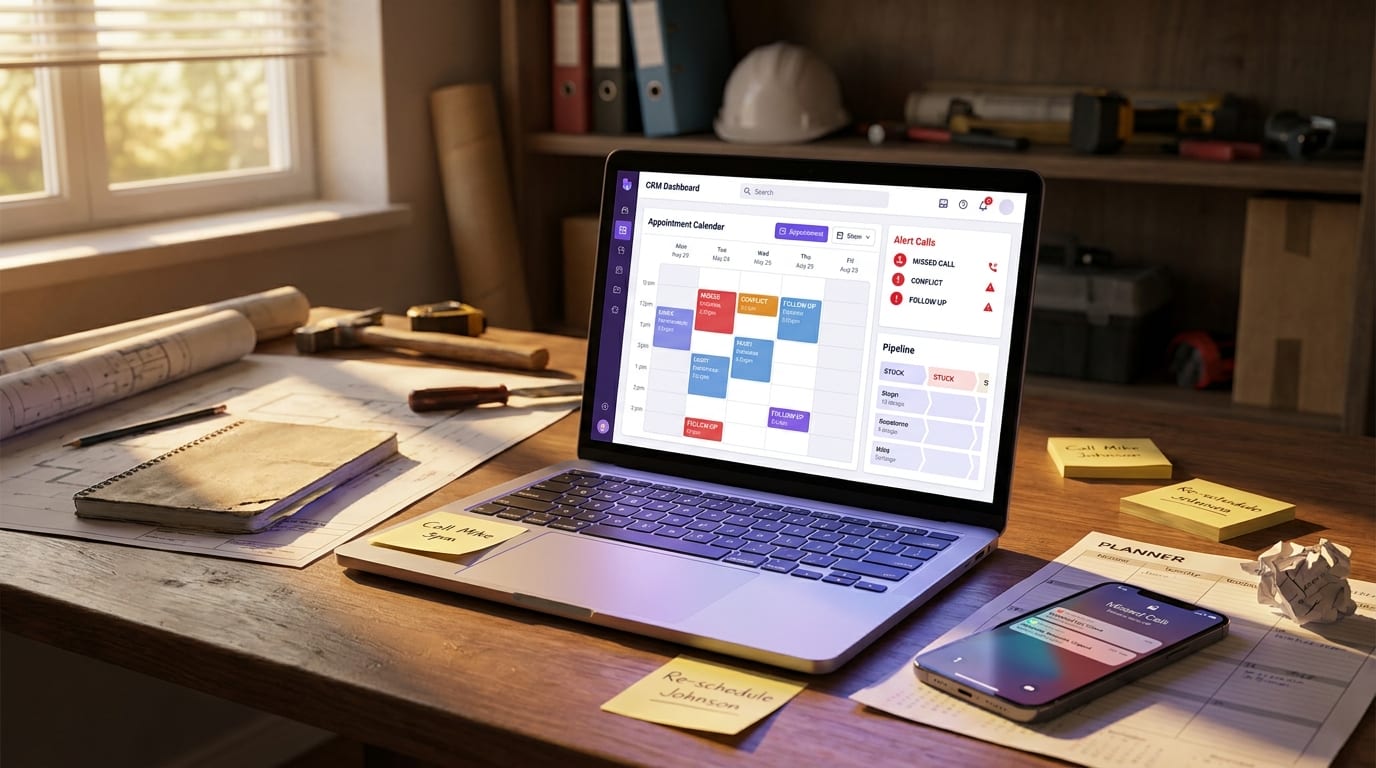
Here's what that looks like in practice, using a home service contractor as an example:
- A lead comes in through a smart web form. The form captures their service need, preferred time window, and property details before they ever talk to anyone.
- An instant text reply fires within 60 seconds. It confirms receipt, sets expectations, and includes a booking link with pre-filled context so the prospect doesn't repeat themselves.
- The appointment auto-populates into the CRM pipeline. Not into a separate calendar app that you have to sync manually. Into the deal stage where it belongs, with the contact record attached.
- A reminder sequence runs automatically. Text the day before, email the morning of, and if there's a missed call at any point, a text-back recovery fires so no lead goes cold.
- After the appointment, a review request goes out. Timed appropriately, branded correctly, and tied to the completed job record in the CRM.
None of this requires five separate tools. It requires one platform built with the full workflow in mind, which is exactly what the features inside LeadProspecting AI are designed to deliver from day one.
If your current CRM pipeline feels stuck and you're not sure why, it's worth reading Why Your CRM Pipeline Isn't Moving: 7 Bottlenecks Killing Your Sales Velocity before you spend another dollar on integrations.
Field Service CRM Needs Are Different (And Most Platforms Ignore That)
If you run a field service crm operation, whether that's HVAC, plumbing, roofing, landscaping, electrical, or any service business where technicians go on-site, the scheduling problem gets significantly more complicated. You're not just booking calls. You're dispatching people, managing time windows, tracking job completion, and trying to follow up on upsell opportunities before the truck leaves the driveway.
Standard CRM scheduling tools were not built for this. They were built for sales meetings and discovery calls. The result is that field service businesses end up using their CRM for contacts, a separate dispatch tool for jobs, a calendar app for scheduling, and a text platform for follow-up. Four tools, four subscriptions, four places for data to fall through the cracks.
What you actually need is a customer management software system that connects those layers so the technician's completed job automatically triggers the invoice, the review request, and the next-service reminder without anyone on the office team having to touch it manually.
The appointment scheduling software market is forecast to grow by USD 257.9 million at a CAGR of 9.4% between 2024 and 2029, and that growth is being driven by exactly this kind of business: companies that are finally demanding automated scheduling that connects to the rest of their operations, not just a calendar widget sitting in isolation.
Why Most Business Owners Don't Notice the Trap Until It's Expensive
The bundled scheduling trap is hard to see because it doesn't feel like a failure mode. It feels like a minor inconvenience. The scheduler kind of works. Appointments mostly show up. People mostly remember to send reminders.
But "mostly" is where revenue leaks. A no-show with no automated reminder is a lost service call. A prospect who books but doesn't receive a confirmation text is a lead who has one foot out the door. A client who isn't asked for a review after a great appointment is a missed referral you'll never trace back.
McKinsey's research on enterprise software costs found that indirect costs can account for as much as 80 percent of the full cost over a product's lifespan, including the staff time, tool licenses, and manual workarounds that pile up when software doesn't actually do what the business needs. For small businesses, that ratio is often worse, because there's less capacity to absorb inefficiency.
If you're evaluating whether your current platform is actually serving you, the Zoho vs. Keap vs. HubSpot vs. LeadProspecting AI comparison is worth a read. It breaks down exactly where the major platforms fall short for growing teams and where a true crm alternative to hubspot can outperform on price and practicality.
What to Look For in an AI CRM Software That Gets Scheduling Right
Not all platforms are built the same. If you're evaluating your options, here's the short list of what actually matters for scheduling to work as revenue infrastructure rather than just a convenience feature:
- Native pipeline integration: Booked appointments should automatically move a contact to the correct deal stage without any manual update or third-party sync.
- Smart reminders with If/Else logic: A reminder sequence that adjusts based on whether the client opened the email, confirmed the appointment, or hasn't responded at all.
- Missed-call text-back: If a prospect calls and you can't answer, an automated text should go out within seconds to keep the conversation alive and offer a booking link.
- CRM with email marketing integration: Post-appointment nurture campaigns should trigger automatically based on the appointment outcome, not based on someone remembering to add the contact to a list.
- Quote and payment tracking tied to appointments: Especially for service businesses, the job isn't done until the invoice is sent and payment is collected. Those steps should live in the same system as the booking.
- Automated review and referral requests: Timed after job completion, sent via the right channel, and logged in the contact record so you're not guessing who's been asked.
If your current ai crm software is missing more than two items on that list, you're not running a scheduling system. You're running a calendar with aspirations.
The LeadProspecting AI CRM was built specifically to handle this full loop, from the first missed call to the final review request, without requiring a separate scheduling app, a separate email platform, or a separate follow-up tool. You can explore the full breakdown of what's included by checking the pricing and plan details to see what fits your business size.
And if your email follow-up after appointments is underperforming, the post on 5 Email Drip Mistakes That Are Quietly Killing Your Results will show you exactly where those sequences tend to break down.
You don't need more tools. You need the right ones connected correctly. If you're ready to stop patching together a workflow that almost works, reach out to the LeadProspecting AI team and let's map out what a fully connected system looks like for your business.
Frequently Asked Questions About CRM Scheduling and Automation
Q: Is the built-in scheduler in my CRM actually hurting my booking rates?
It might be. If your scheduler doesn't send instant confirmations, fire reminder sequences, or integrate natively with your pipeline stages, you're losing bookings to friction that better tools would eliminate. The real test is whether every no-show and every abandoned booking triggers any automatic response. If the answer is no, the scheduler is costing you more than it saves.
Q: What makes LeadProspecting AI different from a CRM alternative to HubSpot?
Most crm alternative to hubspot options focus on replicating HubSpot's feature set at a lower price. LeadProspecting AI is built differently: it combines CRM, scheduling logic, email marketing, lead scraping, review automation, and missed-call recovery into a single workflow engine. You're not just saving on subscription costs. You're eliminating the integration overhead that drains staff time and lets leads fall through gaps.
Q: How does a field service CRM handle scheduling differently than a standard CRM?
A proper field service crm connects scheduling to dispatch, job tracking, invoicing, and post-service follow-up. A standard CRM treats scheduling as a meeting tool. For service businesses, that distinction determines whether your back office runs smoothly or whether someone is manually updating five systems every time a job closes.
Q: Should I use a CRM with email marketing built in, or keep them separate?
For most small and mid-sized businesses, keeping them separate creates more problems than it solves. A crm with email marketing native integration means your post-appointment sequences, nurture campaigns, and re-engagement flows all trigger based on real CRM data, not on manual list exports. The accuracy and timing that comes from native integration consistently outperforms the copy-paste approach.
Q: How do I know if my current CRM is underperforming on scheduling?
Run this quick audit: count how many manual steps your team takes between a prospect expressing interest and a confirmed appointment on the calendar. If the answer is more than two, you have a workflow problem. A well-configured ai crm software should handle the rest automatically, from booking link delivery to confirmation text to pre-appointment reminder to post-visit review request.