TL;DR:
Email marketing still delivers the highest ROI of any channel ($36 for every $1 spent, according to Litmus), but most small businesses sabotage their own campaigns before the first message reaches an inbox. This post covers the five most common drip campaign mistakes: sending without warming your domain, using unverified lists, blasting the same message to everyone, relying on manual sends instead of automation, and ignoring personalization. Each mistake has sourced data showing what it costs you and a concrete fix you can implement this week.
A med spa owner in Twin Falls built a list of 400 past clients and prospects over the last year. She wrote a three-email sequence promoting a summer special, loaded it into her email platform, and hit send on a Monday morning. By Wednesday, her open rate was 8%. She rewrote the subject lines. Sent again. Open rate dropped to 5%. She concluded that email doesn't work for her business and went back to paying $1,200 a month for Facebook ads.
The emails were fine. The subject lines were fine. The problem was that her sending domain had no warmup history, her list hadn't been cleaned in 14 months, and Gmail was routing most of her messages straight to spam. She spent three months blaming her copy for a problem that was entirely infrastructure.
This is the pattern. The five mistakes below are the ones we see most often, and every one of them is fixable without a marketing degree or a bigger budget.
Mistake 1: Sending cold without warming your domain first
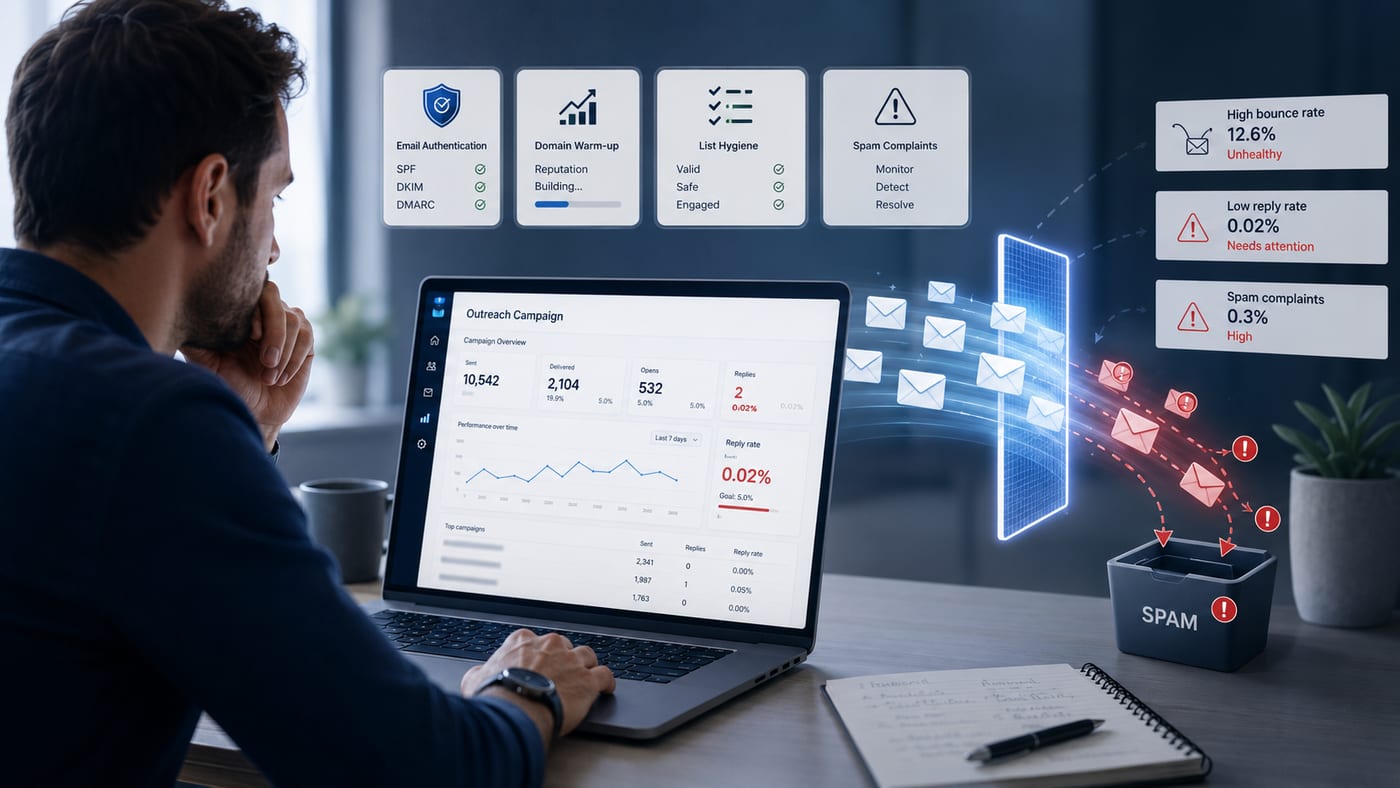
This is the single biggest campaign killer for businesses launching new domains or switching email providers. You load your list, fire off 300 emails on day one, and within 48 hours, your domain reputation is damaged. Gmail and Outlook flag you as suspicious, your deliverability tanks, and everything you send after that lands in spam, including emails to people who actually want to hear from you.
According to Validity's 2026 benchmark report, the global average inbox placement rate is approximately 83%. That means roughly 1 in 6 legitimate emails never reach the inbox. For unwarmed domains sending cold outreach, the numbers are significantly worse.
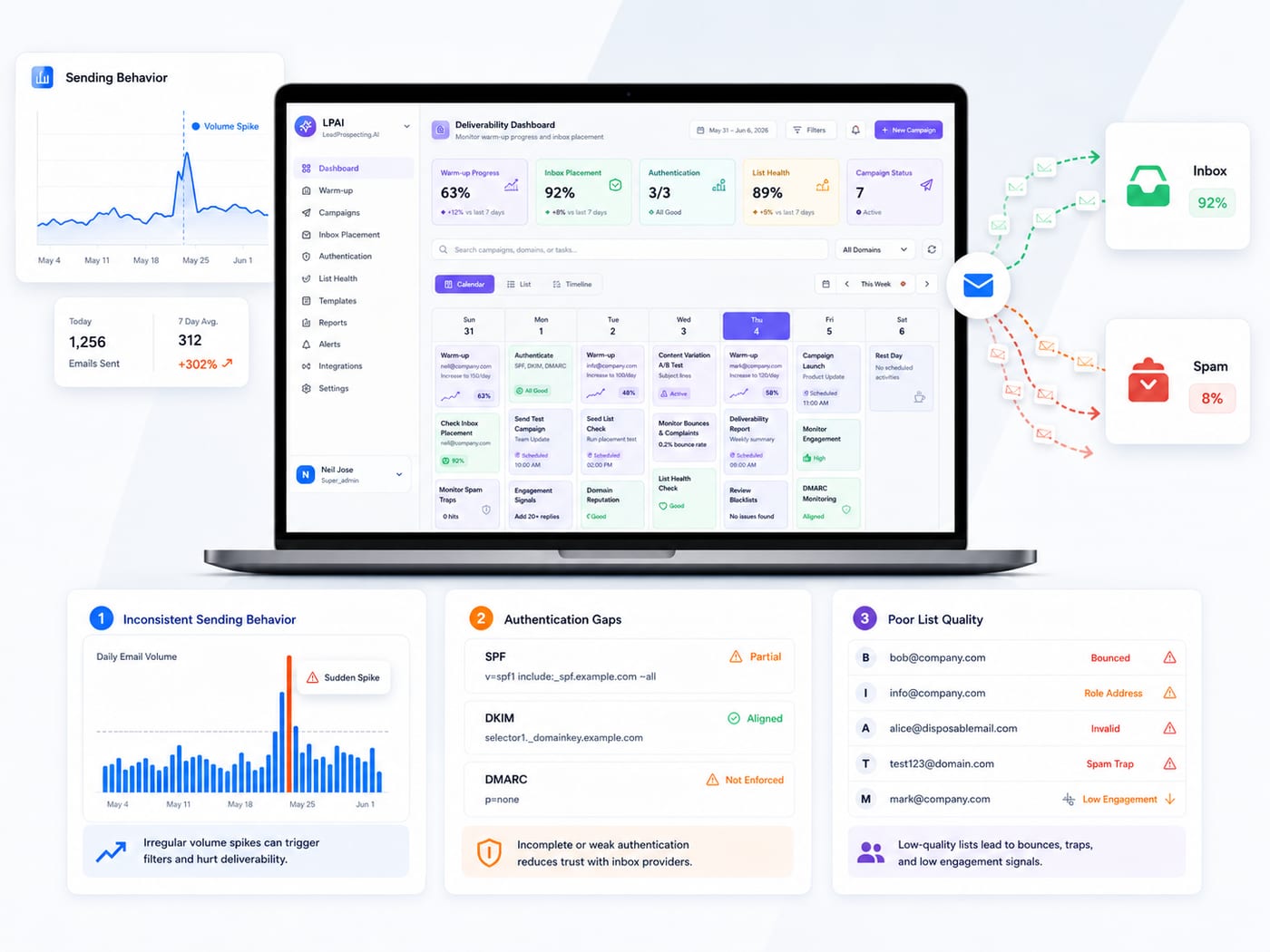
The fix is straightforward but requires patience. Start with 10 to 20 emails per day, gradually scaling over 4 to 6 weeks. Google's published sender guidelines now require SPF, DKIM, and DMARC authentication for anyone sending to Gmail in volume, and recommend keeping spam complaint rates below 0.1%. Set up authentication before your first send, then warm the domain before your first campaign. Skipping this step doesn't just hurt this campaign. It damages every campaign you send afterward.
Mistake 2: Sending to unverified or stale lists
You scraped a list, bought one, or pulled contacts from an old CRM that hasn't been touched in two years. Now you're sending to addresses that no longer exist, spam traps set specifically to catch senders like you, and inbox providers watching your bounce rate climb past the danger threshold.
High bounce rates are a direct signal to Google and Microsoft that you're not a trustworthy sender. Once that label sticks, recovery becomes a multi-week project, not a one-afternoon fix. Google recommends keeping bounce rates well under 2%. Cross that line consistently, and your domain reputation can take months to rebuild.
The fix: verify every email address before it enters your outreach sequence. Remove contacts who haven't engaged in 90 days. Never send to a purchased list. The time you spend cleaning your list before a campaign is always cheaper than the time you spend recovering a burned domain after one.
Mistake 3: Blasting the same message to everyone
One message sent to your entire list is not a drip campaign. It's a broadcast dressed up in automation clothing. The data on this is clear: HubSpot's research found that segmented emails drive 50% more clickthroughs and 30% more opens than unsegmented ones. That's not a marginal improvement. That's the difference between a campaign that pays for itself and one that doesn't.
A plumber who services both residential emergencies and commercial maintenance contracts shouldn't send the same nurture sequence to both audiences. A dental practice should send different follow-ups to new patient inquiries versus existing patients who haven't booked in six months. A contractor should separate homeowners from property managers.
Segmentation doesn't have to be complicated. Start with three buckets: new leads who haven't converted, past customers you want to re-engage, and active leads currently in your pipeline. Build a separate sequence for each group. Reference the service they inquired about. Match the tone to where they are in the decision process. That alone will lift your numbers significantly.
Mistake 4: Relying on manual sends instead of automated flows
If your entire email strategy is "send a newsletter every two weeks," you're leaving serious money on the table. Klaviyo's benchmark data from 183,000 ecommerce stores shows that automated email flows achieve 50.5% open rates compared to roughly 25% for standard promotional campaigns. The conversion gap is even wider: automated sequences consistently outperform manual sends by multiples, not percentages.
While those numbers come from ecommerce, the principle applies directly to service businesses. The power of automation is that it responds to behavior, not a calendar. When someone fills out your contact form at 11 p.m. on a Tuesday, an automated sequence can send a confirmation immediately, follow up with a value email 24 hours later, and trigger a text message if they haven't responded in 48 hours. No human has to be awake for any of that to work.
The service business equivalent of the abandoned cart email is the missed-call follow-up, the unsent quote reminder, and the post-job review request. Every one of these can be automated. Every one of them generates revenue you're currently losing to manual inconsistency.
Here's what a basic automated flow looks like for a service business:
Trigger: New lead fills out a contact form or calls and doesn't reach someone.
Immediate: Automated text confirmation ("Got your message, we'll call you within 15 minutes") plus email with your top three FAQs answered.
24 hours later: Follow-up email with a short case study or testimonial relevant to their inquiry.
48 hours later: If no response, trigger an SMS with a direct booking link.
7 days later: If still no response, final email with a different value angle or limited-time offer.
That five-touch sequence runs in the background while you're on job sites. Set it up once and it works for every new lead that enters your pipeline.
Mistake 5: Ignoring personalization beyond the first name
Dropping someone's first name into a subject line is not personalization. Real personalization means the content of the email reflects what the recipient actually did, asked about, or needs. The data shows this matters enormously.
Research cited by Zippia found that personalized subject lines increase open rates by at least 50%. But that's just the entry point. McKinsey's research on personalization across industries found that it most often drives 5 to 15% revenue lift and improves marketing ROI by 10 to 30%. In a specific case study highlighted by McKinsey, Michaels Stores used AI-powered personalization to go from customizing 20% of its email campaigns to 95%, resulting in a 41% lift in SMS click-through rates and a 25% improvement in email performance.
You don't need Michaels' budget to apply this. For a service business, personalization means referencing the specific service the lead inquired about, mentioning their neighborhood or city, and sending content relevant to their stage in the buying process. A lead who requested a roof inspection quote should get different follow-ups than someone who downloaded a general maintenance guide. That level of personalization requires a CRM that tracks what each contact did, not just who they are.
The compound effect of fixing all five
Each of these mistakes is damaging on its own. Together, they compound into a system that actively works against you: unwarmed domain, dirty list, generic messages, manual sends, zero personalization. Fix all five, and you're not just improving your email program. You're building a revenue engine that runs in the background while you focus on the work that actually requires your hands.
According to Litmus's research, email marketing returns an average of $36 for every $1 spent. That ROI assumes your emails reach inboxes, target the right people, and follow up automatically. Most small businesses are capturing a fraction of that return because one or more of the five mistakes above is silently draining their results.
LeadProspecting AI was built to eliminate these gaps for service businesses. Email warming, verified lead data, CRM-based segmentation, automation workflows with If/Else logic, and personalized drip sequences all run from one platform. If you want to see which of these five mistakes your current setup is making, the free trial is the fastest way to find out, no credit card required.
Frequently asked questions
How many emails should a drip sequence include for a service business? Five to seven emails over a 14 to 21-day window is the sweet spot. The first email should go out immediately after the trigger, whether that's a form fill, a missed call, or a quote request. Space follow-ups by 2 to 3 days with new value in each message. Backlinko's research on 12 million outreach emails found that a single follow-up boosts replies by 65.8%, and sequences with three or more messages perform best overall.
How do I know if my email tool is hurting my deliverability? Check your bounce rate first. Anything above 2% is a warning sign. Next, check your spam complaint rate. Above 0.1%, and inbox providers start penalizing you. Google Postmaster Tools (free for any domain owner) shows your domain reputation for Gmail specifically. If your numbers are trending in the wrong direction, start with domain warming and list verification before sending another sequence.
Can I run a successful drip campaign without a CRM? Technically yes, but practically no. Without a CRM, you can't segment based on behavior, track where each lead is in your pipeline, or trigger sequences based on what someone actually did. You end up sending the same email to everyone and wondering why conversion rates are low. A CRM turns your sequences from scheduled broadcasts into responsive, behavior-driven conversations.
What's the fastest way to improve email open rates right now? Two things you can do today. First, clean your list by removing contacts who haven't opened anything in 90 days. Sending to unengaged contacts tanks your sender score. Second, personalize your subject lines. Zippia's research shows personalized subject lines increase opens by at least 50%. Test two variations on your next send and track which performs better.
Is it too late to fix my domain reputation if I've already been sending without warmup? Not necessarily, but it takes time. Stop sending from the damaged domain immediately. Set up a separate cold outreach domain if you need to keep prospecting. For the damaged domain, drive bounce rates to near zero, fix any authentication gaps (SPF, DKIM, DMARC), and run a re-warming period of 6 to 8 weeks before resuming sends. In most cases, registering a fresh domain and warming it properly is faster and cheaper than rehabilitating a badly damaged one.