The Call You Missed Already Cost You Money
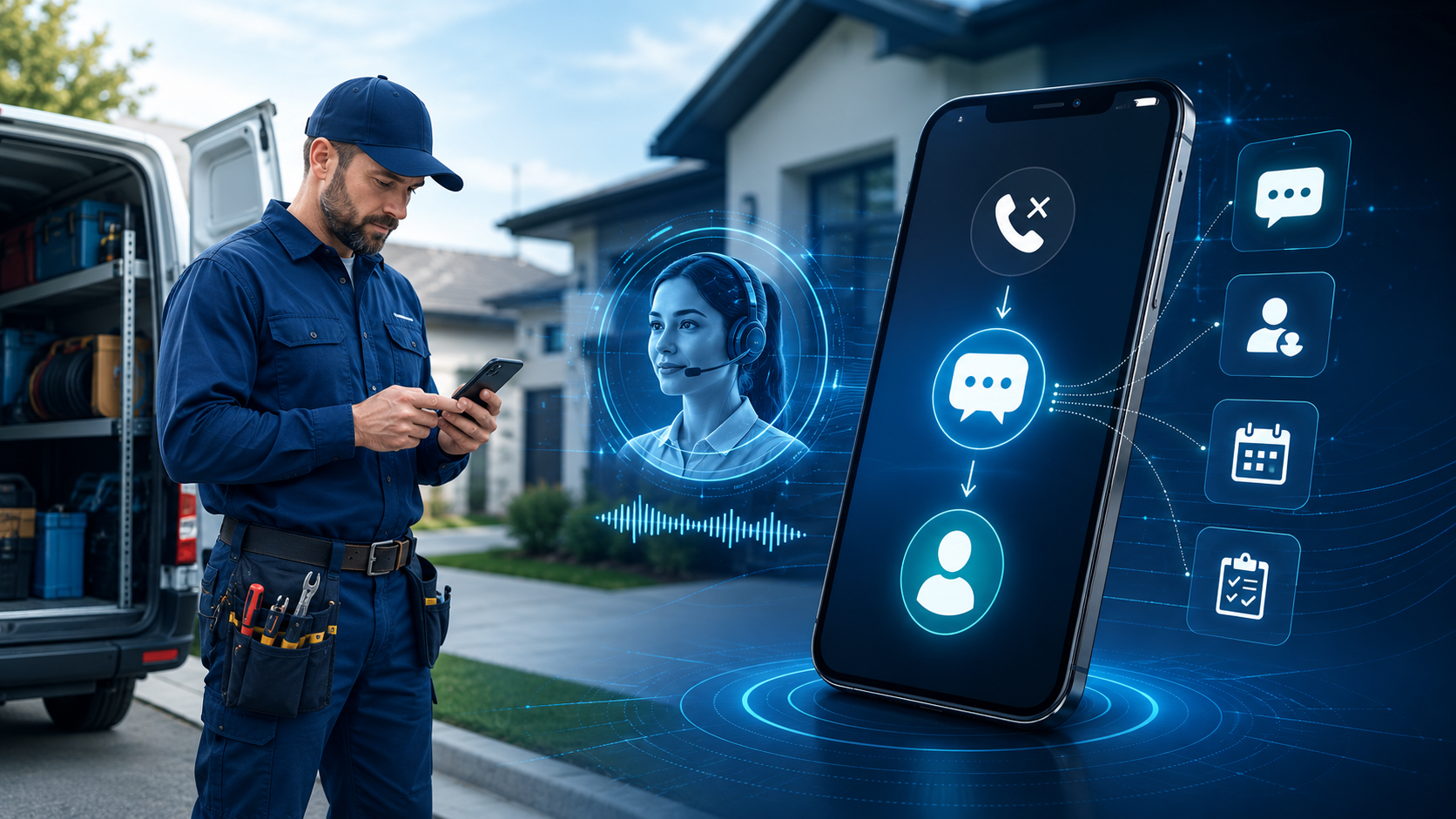
Small business marketing automation is not just about email sequences and social posts. It starts the moment a potential customer tries to reach you and nobody answers. That missed call is not a minor inconvenience. It is a lost sale walking straight to your competitor.
According to Zoom's research on small business call handling, small businesses miss around 62% of calls during business hours. Read that again. More than half. And here is the part that stings even more: 71% of consumers find calling businesses more stressful than the original problem they were trying to solve.
So your customers are already anxious when they call. When nobody picks up, they do not leave a voicemail and wait patiently. They Google the next option. This guide is going to show you exactly how to stop that bleed, what an AI receptionist actually does for a small business, and how to choose the right setup without overcomplicating your stack.
What an AI Receptionist Actually Does (No Hype)
The term "AI receptionist" gets thrown around loosely. Let's be specific about what it means in a real small business context.
An AI receptionist is any automated system that responds to inbound contact attempts instantly, without a human in the loop. That includes missed call text-back, smart form auto-replies, appointment booking bots, and conversational SMS or chat flows. The goal is simple: close the gap between when someone reaches out and when they get a response.
Here is why that gap matters more than most owners realize. When a lead fills out a contact form or calls your business, their buying intent is at its peak right at that moment. Every minute you wait to respond, that intent cools. Studies in peer-reviewed research on AI chatbots in micro-enterprises (MDPI) show that automated response systems significantly reduce staff workload while simultaneously improving response speed and customer satisfaction. You get faster replies and a lighter load on your team at the same time.
The core functions of a well-built AI receptionist for a small business include:
- Missed-call text-back: When a call goes unanswered, an automated SMS fires within seconds asking how you can help
- Smart form replies: Instant text or email confirmation when someone submits a form, keeping them engaged before they bounce
- Appointment booking automation: A calendar link or booking flow sent automatically based on what the lead needs
- After-hours coverage: Responses go out at 11pm just as fast as they do at 11am
- Lead qualification triggers: If/Else logic that routes hot leads to a sales pipeline and cold leads to a nurture sequence
None of this requires a full-time hire. It requires the right automation setup, and getting that right is where most small businesses either win big or waste months on tools that do not talk to each other.
Small Business Marketing Automation: Where Most Owners Go Wrong
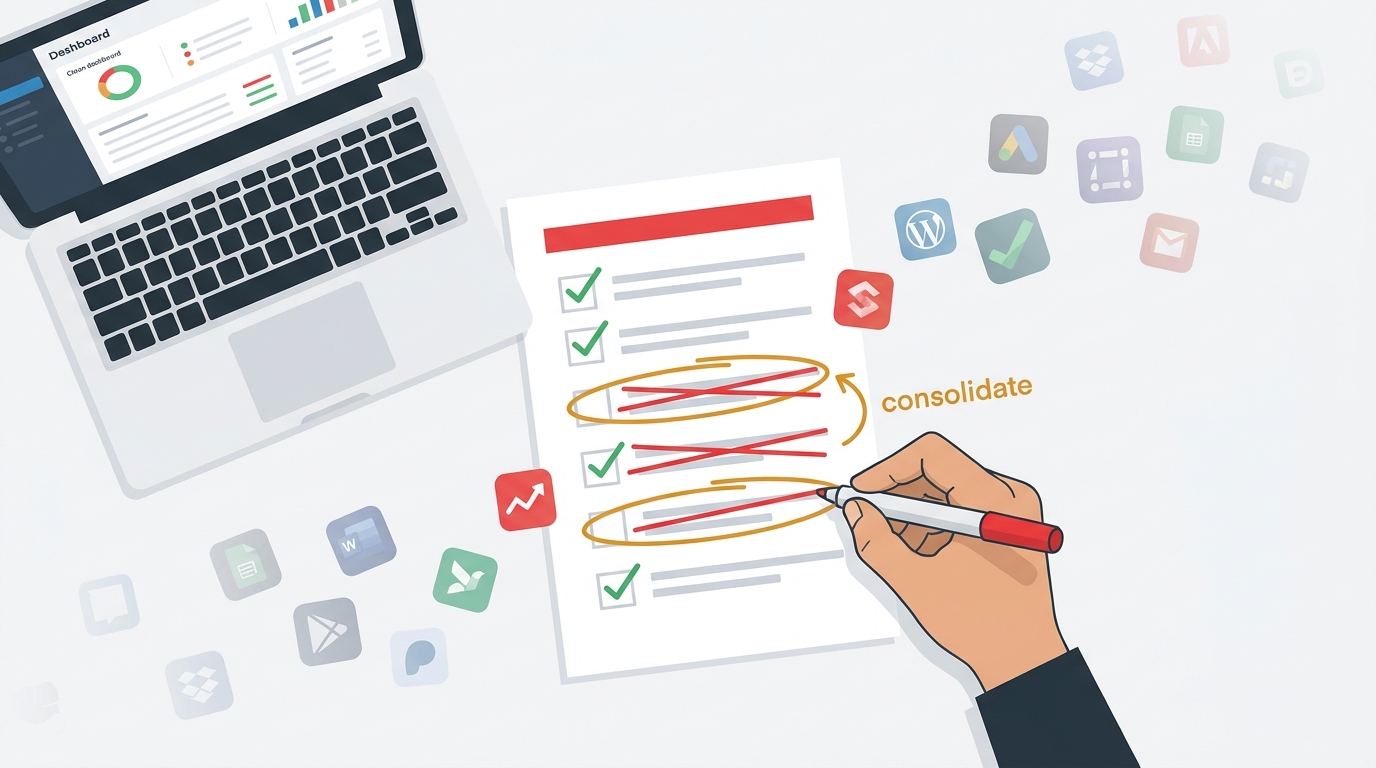
The biggest mistake small business owners make with small business marketing automation is treating it like a single tool problem. They buy a chatbot. Or they set up an autoresponder. Or they download an app that texts back missed calls. Each one is a silo, and the lead falls through the cracks between them.
What you actually need is a connected system where the missed-call text-back feeds into your CRM, which triggers a follow-up email sequence, which scores the lead and reminds your team to call back if there is no reply. That is automation working as a machine, not as a collection of disconnected parts.
The good news is that G2 Research found that small businesses reach ROI on customer service automation in just 13 months, compared to nearly 22 months for enterprise businesses. You have a structural advantage here. You are smaller, you move faster, and the lift to implement is lower. That ROI window is a real argument for acting now rather than putting this off another quarter.
The problem is not the technology. The problem is knowing which pieces to connect and in what order. If you are already feeling the pain of juggling multiple marketing tools with no clear picture of what is working, check out Why Your Small Business Marketing Fails (And the AI System That Fixes It) for a deeper breakdown of the system gaps costing you revenue.
Choosing the Right Auto-Reply and Recovery Setup for Your Business
Not every business needs the same configuration. A solo HVAC contractor has different needs than a med spa with three providers. Here is a practical framework for choosing your setup based on where you actually are right now.
If you are a solo operator or very small team: Start with missed-call text-back and a smart form auto-reply. These two alone will recover a significant portion of leads you are currently losing. Keep the response simple: acknowledge the inquiry, let them know when to expect a real person, and give them a way to book or reply.
If you have a team and an active pipeline: Add If/Else logic that routes leads based on service type, urgency, or source. A roofing company, for example, might route "emergency leak" inquiries to a direct call trigger while routing "free estimate" requests into a nurture sequence with a booking link. This is where a small business CRM with built-in automation workflows becomes essential, not optional.
If you are running outbound alongside inbound: Your AI receptionist needs to connect to your outbound engine. That means your lead generation tool feeds verified contacts into your CRM, which triggers email sequences through a platform built for deliverability. This is also where ai email marketing and a solid crm with email marketing integration make the difference between a sequence that lands in inboxes and one that lands in spam. For context on why inbox placement matters before you ever hit send, read our guide on Email Warmup vs. Deliverability: A 2026 Small Business Guide.
One honest caveat worth stating: SurveyMonkey data shows 79% of Americans still prefer interacting with a human over an AI agent. Automation should handle the first touch and the follow-through, but it should never replace the human conversation that closes the deal. Use it to get people into the conversation faster, not to avoid the conversation entirely.
How LeadProspecting AI Builds This System for You
LeadProspecting AI is built specifically for small business owners who are tired of duct-taping five tools together and still losing leads. The platform connects your inbound response system, your CRM pipeline, your email marketing, and your outbound prospecting in one place.
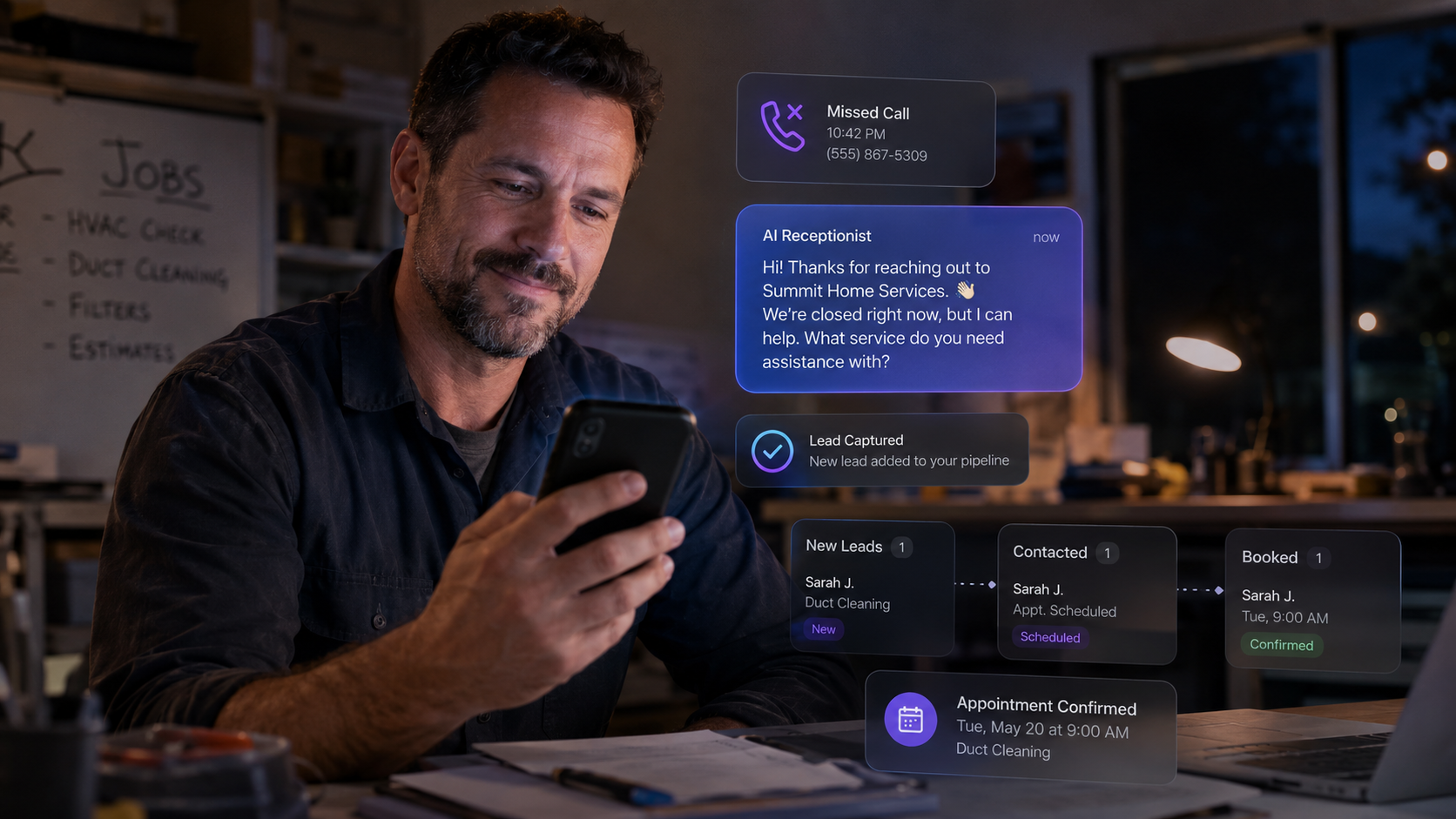
Here is what that looks like in practice. A lead calls your business after hours. Nobody answers. Within seconds, an automated text goes out from your number asking how you can help. They reply. That reply triggers a pipeline entry in your CRM, tags them by service type, and queues a follow-up task for your team in the morning. If they do not reply within 24 hours, a second automated message goes out. If they book an appointment, the system sends a confirmation, a reminder, and a review request after the job is done.
That entire workflow runs without anyone touching it. And because the CRM also handles quotes, invoicing, and payment tracking, the sale that started with a missed call can close entirely within the same system. You can explore the full capability set at LeadProspecting AI Features to see how these pieces connect.
The platform also includes a cold email tool and lead scraper that pulls verified contact data from Google Maps, including emails and social profiles, so your outbound matches your inbound in both reach and speed. If you want to understand what a connected pipeline looks like versus one with bottlenecks, Why Your CRM Pipeline Isn't Moving: 7 Bottlenecks Killing Your Sales Velocity is worth reading before you rebuild anything.
According to IBM's analysis of agentic AI in customer service, the next evolution in customer support is systems that can independently manage and resolve complex tasks with minimal human involvement. That future is not five years away for small businesses. It is available right now through platforms built exactly for this use case.
If you are ready to see what this costs and what fits your stage of growth, the LeadProspecting AI pricing page breaks down plans by business size and need, without the enterprise price tag.
Frequently Asked Questions About AI Receptionists and Auto-Reply for Small Businesses
Q: What is the difference between a missed-call text-back and an AI receptionist?
Missed-call text-back is one feature inside a broader AI receptionist system. The text-back handles the immediate recovery when a call goes unanswered. A full AI receptionist setup includes that feature plus smart forms, booking flows, lead routing, and follow-up sequences. Think of missed-call text-back as the front door and the AI receptionist system as everything behind it that moves the lead forward.
Q: Will customers know they are talking to an automation?
That depends on how you set it up. A well-written automated text that says "Hey, this is Sarah from ABC Plumbing. Looks like we missed you. What can we help with today?" reads as personal, not robotic. The goal is to sound like your business, not like a bot. Most customers do not care whether the first reply was automated as long as it is helpful, fast, and followed by a real person when the conversation gets specific.
Q: How quickly should an auto-reply go out?
Within 60 seconds is the standard benchmark for missed-call text-back. For form submissions, under 5 minutes is acceptable but under 60 seconds is significantly better. The faster the first response, the higher the conversion rate. Most small business marketing automation platforms let you set this to fire immediately, so there is no reason to wait.
Q: Does this work if I am in a service business without a physical storefront?
Yes, and in many ways it works better. Service businesses like contractors, consultants, and health providers rely almost entirely on scheduling and phone-based intake. An AI receptionist that handles after-hours inquiries and books appointments directly into your calendar is especially high-value when you are on a job site or in a session and genuinely cannot answer.
Q: How do I know if my current setup is losing leads?
The simplest test: call your own business from a personal phone at different times of day. Submit your own contact form. See how long it takes to get a response, and what that response says. Most owners are surprised by what they find. If you want a more structured audit of where your system is breaking down, reach out to LeadProspecting AI and request a workflow review. It takes less than an hour and usually surfaces at least two or three revenue leaks immediately.