The Follow-Up Problem That's Costing You Real Money
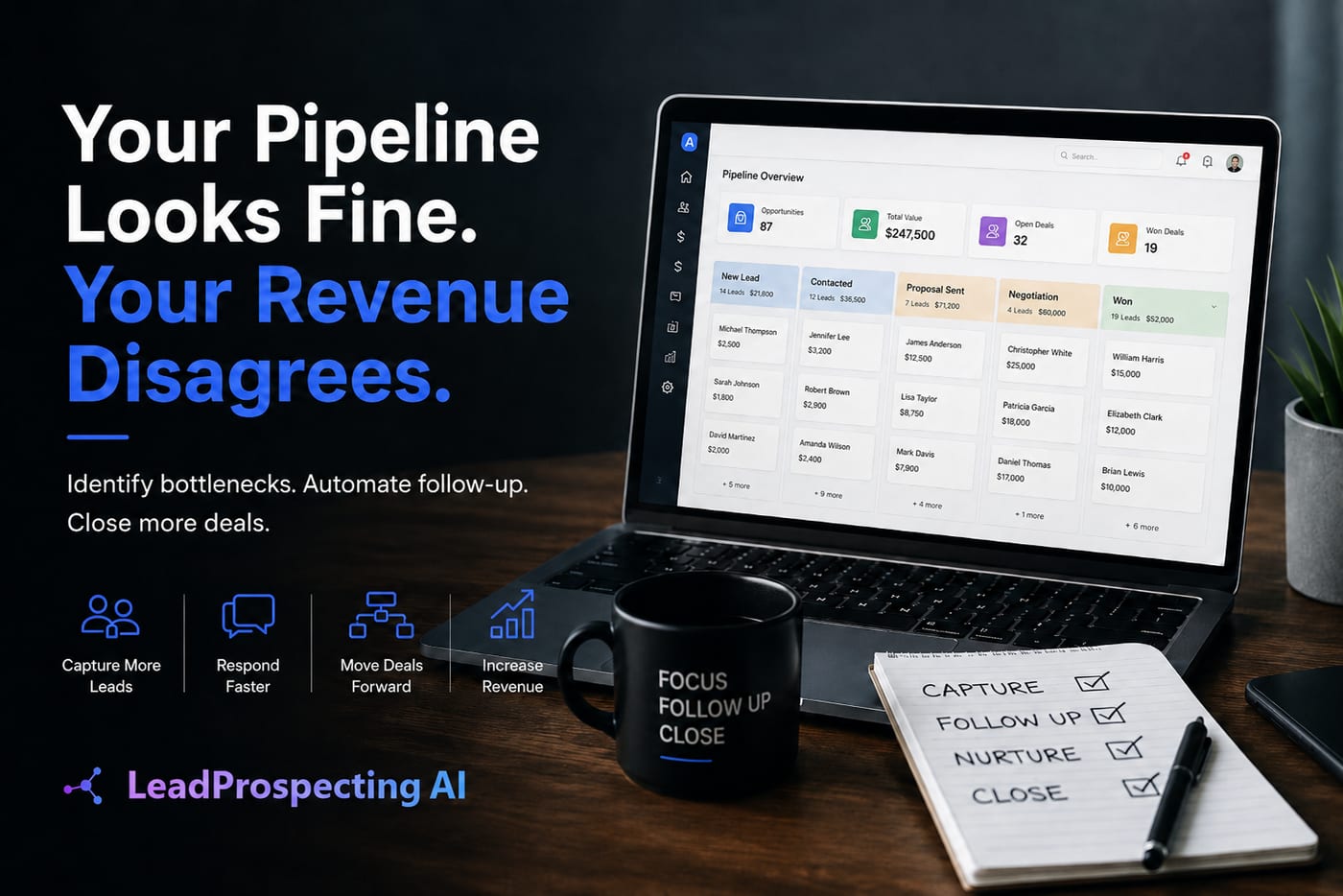
If you're relying on sticky notes, a shared spreadsheet, or gut instinct to follow up with leads, you are losing revenue every single week. An automated follow up email system isn't a luxury anymore; it's the difference between closing 20% of your pipeline and closing 45% of it.
Here's the reality most business owners don't want to sit with: the average lead requires 5 to 8 touchpoints before they buy. Most small businesses stop at two. That gap is where your competitors are quietly picking up the customers you already paid to attract.
This post breaks down the actual math behind manual follow-up versus automated nurturing in 2026, so you can see exactly what staying stuck is costing you and what fixing it looks like in practice.
Manual Follow-Up: What It Actually Costs You Per Month
Let's run the numbers honestly. Say your business generates 80 leads per month. A realistic manual follow-up sequence involves an initial reply, two or three check-in emails, and maybe a phone call. That's roughly 4 touchpoints per lead.
At 5 minutes per touchpoint, you're spending 1,600 minutes, or about 27 hours, per month just on follow-up. At a conservative opportunity cost of $50 per hour (what you could be billing or closing instead), that's $1,350 in lost productive time every single month.
And that's if the follow-up actually happens. Realistically, it doesn't. Leads slip. The busy Tuesday turns into a missed Thursday, and by the following Monday, the prospect already signed with someone else.
According to Forrester Research via G2, companies that excel at lead nurturing generate 50% more sales-ready leads at a 33% lower cost. That statistic isn't describing enterprise companies with 40-person marketing teams. It's describing businesses that made a deliberate decision to stop doing this manually.
If you want to understand the full scope of what inconsistent follow-up is doing to your pipeline, this post on The Hidden Cost of Manual Lead Follow-Up: Why Competitors Are Pulling Ahead in Q2 2026 lays it out in uncomfortable detail.
What an Automated Follow Up Email Sequence Actually Looks Like
People hear "automation" and picture cold, robotic messages that scream "this was sent by a bot." That's not what good automation looks like in 2026. The best automated follow up email sequences feel personal because they're triggered by real behavior: a form submission, a quote request, a missed call, a clicked link.
Here's a practical 5-step nurture sequence for a service business:
- Immediate reply (0 to 5 minutes): A personalized acknowledgment that confirms receipt and sets expectations. This alone can increase response rates by over 30%.
- Value delivery (Day 2): A short email with a relevant tip, case study, or before-and-after result. You're demonstrating expertise before asking for anything.
- Social proof (Day 4): A testimonial, review, or short story from a past client in a similar situation.
- Soft offer (Day 7): A low-friction CTA: book a call, get a quote, claim a spot.
- Re-engagement (Day 14): A "still thinking it over?" message with a genuine reason to respond, like a limited opening or a relevant update.
A properly built automated follow up email system runs this sequence without you touching it. While you're on a job site, in a client meeting, or asleep, your pipeline is being worked.
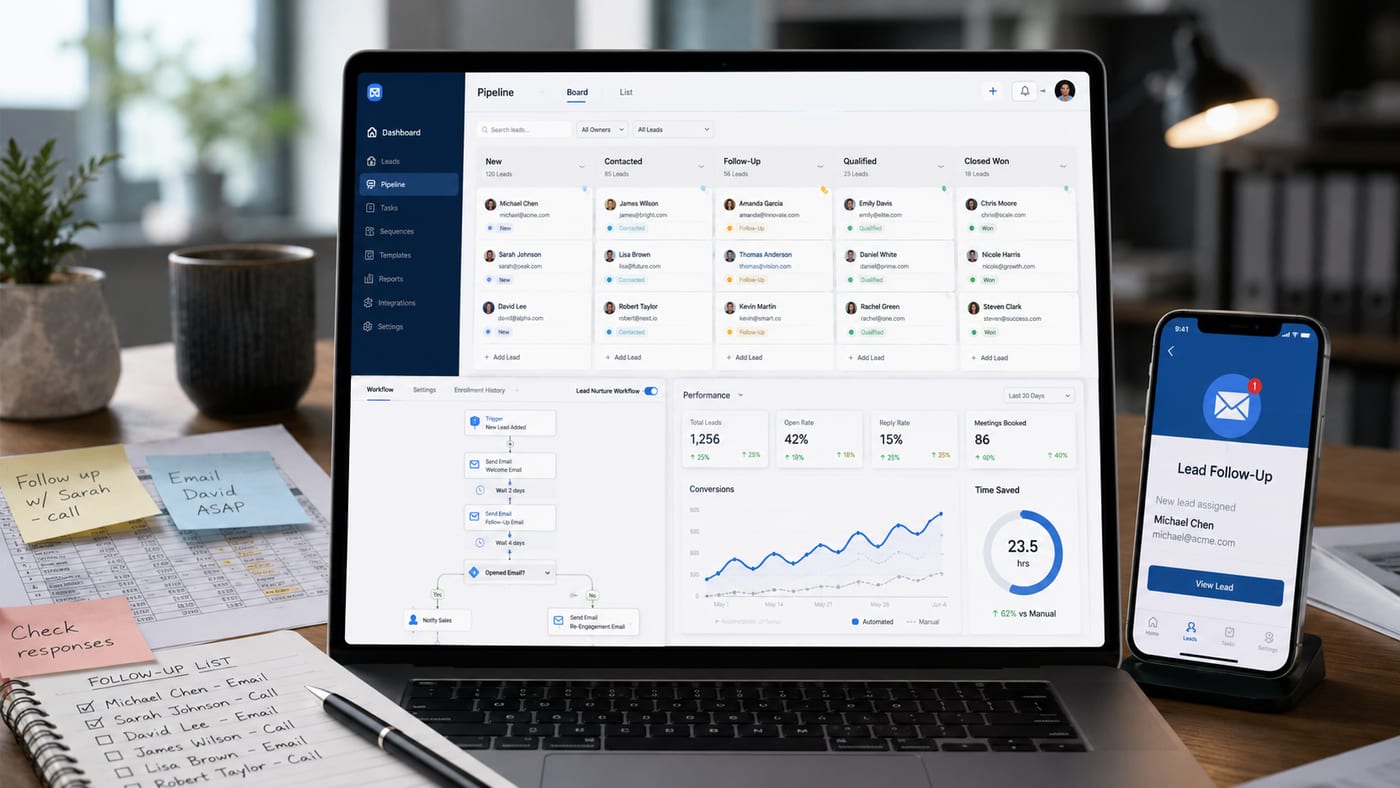
The automation workflow builder inside LeadProspecting AI lets you build exactly this kind of sequence using triggers, If/Else logic, and pre-built templates, without needing a developer or a marketing agency to set it up.
The Revenue Math: Automation vs. Manual Side by Side
Let's put two hypothetical businesses next to each other. Both generate 80 leads per month. Both charge an average of $1,200 per job or engagement.
Business A: Manual Follow-Up
Closes 15% of leads due to inconsistent follow-up. That's 12 clients per month, producing $14,400 in revenue. They spend 27 hours per month on outreach that still misses half the pipeline.
Business B: Automated Nurturing
Closes 28% of leads because every lead gets the full sequence, every time. That's 22 clients per month, producing $26,400 in revenue. Their team spends about 4 hours per month reviewing performance and making tweaks.
The difference is $12,000 per month from the same lead volume. Not from spending more on ads. Not from hiring a salesperson. From following up consistently.
This isn't theoretical. McKinsey reports that companies using sales automation technology see consistent efficiency gains of 10 to 15 percent. And according to Verified Market Research, the lead nurturing software market was valued at $7.8 billion in 2023 and is expected to reach $11.3 billion by 2030, because businesses that run these numbers are not going back to doing it manually.
Choosing the Right Sales Pipeline Tool and CRM Setup
The automation is only as good as the system it runs on. A solid sales pipeline tool needs to do more than track deal stages; it needs to trigger actions, surface reminders, and connect your lead data to your follow-up sequences without requiring manual input between steps.
When evaluating the best CRM for small business use in 2026, you want to look for a few non-negotiables:
- Visual pipeline management with drag-and-drop stages and smart reminders
- Native email and SMS automation triggered by pipeline changes
- Quote, appointment, and payment tracking in the same platform
- Missed-call text-back recovery so no inbound lead falls through the cracks
- Reporting that shows you where leads are dying in the funnel
Most business owners are running their pipeline through a CRM that doesn't talk to their email tool, which doesn't talk to their calendar, which doesn't connect to their invoicing. Every gap between tools is a place where a lead can get lost.
A CRM with AI closes those gaps. LeadProspecting AI's all-in-one CRM platform handles contacts, pipelines, quotes, invoicing, and automation in one place, so your follow-up system and your sales pipeline are the same system, not two separate things you're trying to sync manually.
And if you need to fill the top of that pipeline first, the built-in b2b lead scraper pulls verified contacts from Google Maps with confirmed emails and social profiles attached. You can read more about how scraping compares to cold email outreach in this breakdown: Cold Email vs. Lead Scraper: Fill Your Pipeline Faster in 2026.
What to Do Before You Automate Anything
One mistake business owners make is automating a broken process and wondering why results don't improve. Before you set up a single workflow, spend 30 minutes answering these questions:
- Where do most leads come from right now, and where do they enter your system?
- What is your current close rate and at which touchpoint do most prospects go cold?
- Do you have a written sequence or are your follow-ups improvised?
- Is your email domain warmed up? (Cold domains will land in spam and kill your numbers.)
That last point matters more than most people realize. An automated follow up email sequence sent from a domain with poor reputation will hit spam folders consistently, no matter how good the copy is. LeadProspecting AI includes email warming as part of its platform, which rebuilds domain reputation and maintains consistent inbox placement before you start sending volume.
According to 360iResearch, 81% of organizations are expected to adopt AI-powered CRM systems, driven specifically by the need to reduce manual tasks and improve lead targeting accuracy. The businesses moving now are setting up systems that compound. The businesses waiting are watching their margins erode lead by lead.
If you want to see a practical implementation of these systems in a specific service industry, the AI CRM Software Playbook for Pressure Washing Contractors shows exactly how this works from intake to invoice, and the same framework applies to any service business.
Ready to stop doing this manually? Explore LeadProspecting AI's plans and see which tier fits your current lead volume and growth goals. Or if you want to talk through your specific setup first, reach out directly here and we'll map it out with you.
Frequently Asked Questions About Lead Nurturing and Automated Follow-Up
Q: How many follow-up emails should a small business send before moving on?
Most research points to 5 to 8 touchpoints as the sweet spot for service businesses. Manual follow-up usually stops at 1 or 2. A well-built automated sequence runs the full cycle without adding time to your calendar, so there's no reason to cut it short. The sequence should adjust based on behavior: if someone opens every email but hasn't replied, that's a different signal than someone who hasn't opened anything in 14 days.
Q: Will automated emails feel impersonal to my leads?
Only if they're written badly. Triggered emails that reference the specific service someone inquired about, use their first name, and arrive at a logical time in the conversation feel personal. What feels impersonal is a generic blast to 5,000 people on a Tuesday. The goal is relevance, not personalization theater. Good automation is invisible to the reader.
Q: What's the difference between a CRM and lead nurturing software?
A CRM tracks where contacts are. Lead nurturing software moves them forward. The best setup in 2026 combines both in one platform, so a contact moving from "new lead" to "quote sent" automatically triggers the next email in the sequence. Keeping these as separate tools means manually transferring data between systems, which is where leads get lost.
Q: How do I know if my email domain is hurting my deliverability?
Check your open rates. If you're sending to a warm list and seeing open rates under 20%, deliverability is likely the issue. You can also run a free check through tools like Mail-Tester or Google Postmaster Tools. LeadProspecting AI's email warming service is designed specifically to rebuild and protect domain reputation before you start sending automated sequences at volume.
Q: Is LeadProspecting AI only for large businesses with big teams?
Not at all. The platform was built with solo operators and small teams in mind. A single owner running a service business can set up automated follow-up, pipeline tracking, and review requests in a few hours. There's no IT department required and no agency retainer needed. The goal is to give a one-person operation the follow-up infrastructure that used to require a 5-person sales team.