You Bought the Tools. So Why Are Deals Still Slipping?
Your sales pipeline tool was supposed to fix everything. Instead, you have five browser tabs open, three apps sending you notifications, and a follow-up email that should have gone out two days ago still sitting in drafts. Sound familiar?
This is not a discipline problem. This is a tool design problem, and it is costing you real money.
According to Salesforce's State of Sales 2026, sellers use an average of 8 tools to close deals, and 42% of sales reps feel overwhelmed by too many tools. Worse, overwhelmed sellers are 45% less likely to attain quota. If you are running a small business and you are the seller, that stat is about you personally.
The software industry has a perverse incentive: the more features a platform adds, the easier it is to justify the price tag. But more features rarely means more closed deals. It usually means more time learning, more time maintaining, and less time actually selling.
The Real Cost of Tool Overload (It Is Not What You Think)
Most business owners calculate tool costs by adding up monthly subscription fees. That math misses the bigger number entirely.
A Forrester Activity Study tracking 3,031 reps across industries found that sales reps spend only 28% of their time actually selling. The remaining 72% disappears into administrative tasks, research, meetings, and tool navigation. If you pay yourself or a rep $60,000 a year, you are effectively paying $43,200 annually for non-selling activity.
The tools themselves become the work. You are not running a business; you are managing a tech stack.
Here is what that overload actually looks like day-to-day:
- Copying lead data from a spreadsheet into your CRM by hand
- Switching between your email platform and your pipeline view to check deal status
- Manually sending follow-up messages because automations "never quite worked right"
- Logging calls and notes after every conversation instead of during the flow of work
- Chasing invoices in one platform while tracking appointments in another
- Forgetting which version of the proposal you sent because it lives in three different places
Every one of those tasks is solvable. The problem is that most people try to solve them by adding another tool, which compounds the exact problem they are trying to fix. For a deeper look at how this pattern plays out specifically with scheduling and CRM software, read The AI CRM Software Trap: When Scheduling Tools Cost More.
Why the Best CRM for Small Business Is Not the One With the Most Features
When business owners go searching for the best CRM for small business, they almost always end up on comparison pages ranking platforms by feature count. That is the wrong metric entirely.
The right metric is time-to-closed-deal. How many clicks does it take to move a prospect from first contact to signed contract? How much of that process runs automatically while you sleep?
Research on CRM adoption failure puts failure rates between 50 and 63%, costing businesses billions annually. The single biggest driver of failure is not bad data or poor onboarding; it is administrative burden. Reps view manual data entry as time stolen from selling, and they are right. When your CRM demands more than it delivers, people stop using it.
A crm with ai built into the workflow changes this dynamic completely. Instead of requiring your team to feed the system, the system feeds itself: logging interactions, scoring leads, triggering follow-ups, and surfacing the next best action without anyone manually requesting it.
That is the difference between a tool that manages data and a platform that drives revenue. For a direct head-to-head look at how this plays out across the major platforms, see Zoho vs. Keap vs. HubSpot vs. LeadProspecting AI: Which Sales Tool Fits a Growing Team?
LeadProspecting AI's CRM was built around this exact principle: less navigation, more action. Contacts, pipelines, quotes, invoicing, and automations live in one place, not scattered across a stack of disconnected apps.
How a Sales Pipeline Tool Should Actually Work
A sales pipeline tool worth using should do three things extremely well: show you where every deal stands at a glance, remind you what to do next without you having to remember, and automate the repetitive steps that slow everything down.
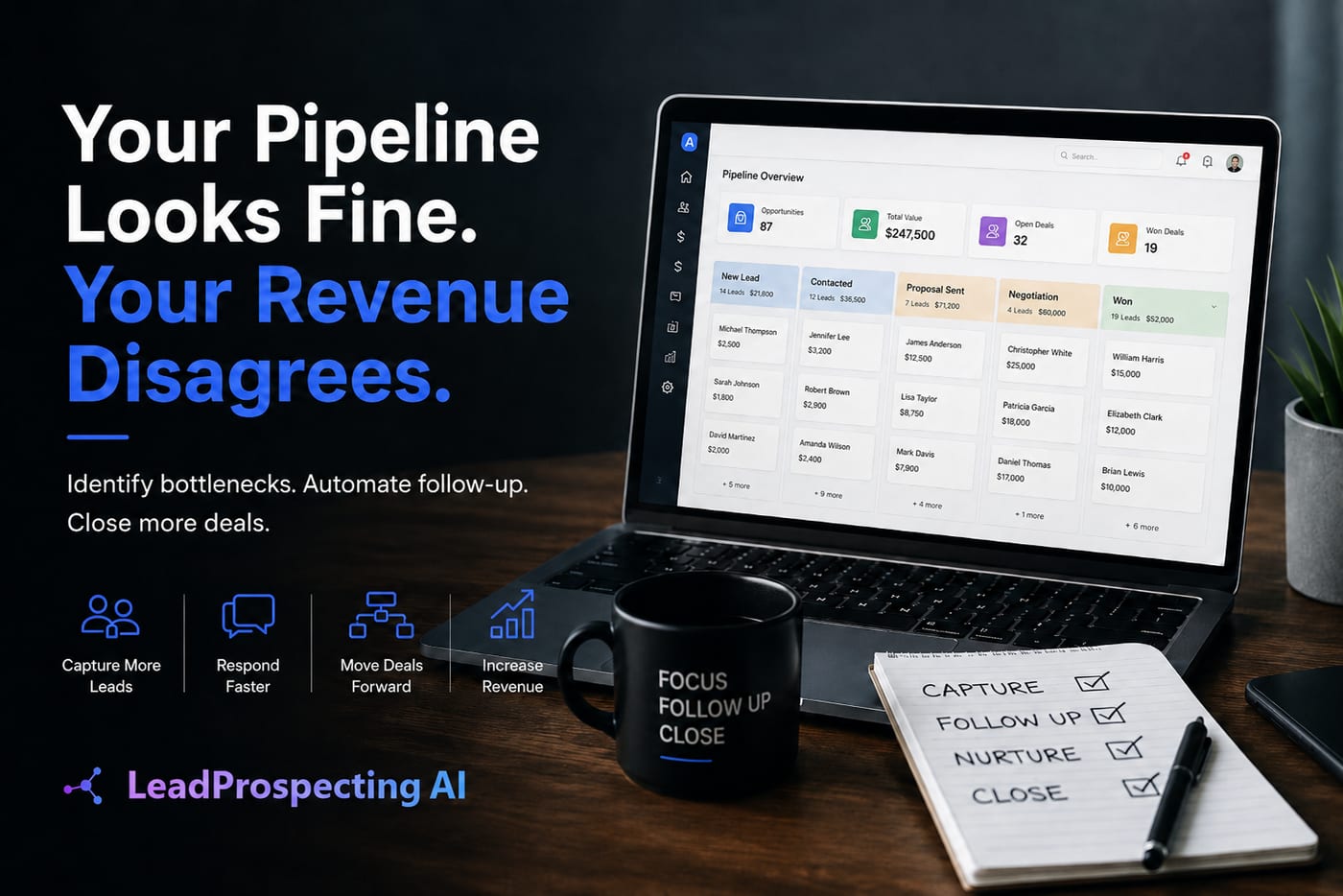
Drag-and-drop pipeline stages sound like a small thing. They are not. When you can see every active deal laid out visually and move them with a single click, you stop losing prospects in the noise. Smart reminders tied to deal age mean nothing falls through the cracks without a manager having to chase anyone down.
The automated follow up email is where most businesses leave serious money on the table. Studies consistently show that 80% of sales require five or more follow-up touches, yet most businesses stop after one or two because following up manually is tedious and easy to forget. An automated follow up email sequence fires on schedule, personalizes by deal stage, and keeps your name in front of a prospect without you lifting a finger.
For businesses that serve clients through scheduled appointments, the pipeline needs to connect directly to booking and inbox placement. If your pipeline tool and your scheduling system do not talk to each other, you are creating gaps where leads can go cold. Check out this breakdown of Appointment Scheduling and Inbox Placement Tools for Home Services to see how these systems should work together.
For agencies managing multiple clients, pipeline complexity scales quickly. The right architecture matters from day one. CRM Pipeline Management for Agencies: 7 Stages That Close Deals walks through exactly how to structure that for maximum conversion.
Finding Leads Without Another Disconnected Tool
Pipeline management only works when the pipeline has quality leads in it. This is where most small businesses hit a wall: their sales pipeline tool is fine, but they have no reliable, repeatable way to fill it with verified prospects.
The traditional options are bad. Buying lead lists means paying for stale, inaccurate data. Manually searching directories is slow and unscalable. Relying entirely on referrals creates feast-or-famine revenue cycles.
A b2b lead scraper that pulls verified business data directly from Google Maps, including confirmed emails and social profiles, changes the math entirely. Instead of spending hours hunting for contact information, you can build a targeted prospect list in minutes and push those contacts directly into your pipeline for immediate outreach.
This is exactly how LeadProspecting AI's Lead Scraper works. You target by category, geography, or keyword, and the platform surfaces verified contacts ready for outreach. No more guessing whether the email address you found is still active.
Pair that with Email Warming to build your domain reputation and hit consistent inbox placement, and you have a full prospecting engine that runs on its own. See the full feature set here to understand how all the pieces connect.
Gartner reports that 87% of sales leaders face top-down pressure to implement AI in their sales process, but decisions often get skewed by inflated vendor promises and the actual complexity of deploying AI at the frontline level. The answer is not to chase the most AI-heavy platform. It is to find one where AI handles the manual work invisibly, so you close deals instead of configuring workflows.
One Platform, One Login, Zero Excuses
The fix is not buying better individual tools. The fix is consolidating into a platform where every function serves the same goal: getting you paid faster with less manual effort.
LeadProspecting AI combines a sales pipeline tool, lead scraping, email warming, automated follow-up, review requests, missed-call text-back, website design, SEO content, and social media management under one roof. That is not a feature list; that is a description of your entire revenue operation handled in one place.
Compare that to the average business running separate tools for CRM, email, social, lead generation, and client communication. The subscription costs alone typically run $400 to $800 per month before you factor in the hours lost switching between platforms.
You can review every plan, including what is included at each tier, on the LeadProspecting AI pricing page. Most businesses find they can cut tool spending significantly while actually gaining capability.
If you are ready to stop managing tools and start closing deals, the fastest next step is a direct conversation. Reach out to the LeadProspecting AI team and walk through exactly what your current stack is costing you.
Frequently Asked Questions About Sales Pipeline Tools and CRM Overload
Q: How do I know if I have too many tools in my sales process?
If you cannot explain your entire sales workflow to a new hire in under 10 minutes using a single platform, you have too many tools. Signs include manually copying data between apps, sending follow-ups from memory, and being unsure which stage a specific deal is in at any given moment.
Q: What makes a sales pipeline tool actually effective for small businesses?
Effectiveness comes down to adoption and automation. A pipeline tool needs to be simple enough that you use it consistently, and powerful enough that it handles reminders, follow-ups, and status updates without requiring manual input. If it creates more work than it saves, it is the wrong tool regardless of the feature list.
Q: Is a b2b lead scraper worth it for a small business?
Yes, especially if you rely on outbound prospecting or need to build your pipeline quickly in a specific market. A quality b2b lead scraper that delivers verified contact data cuts research time dramatically and ensures you are reaching real decision-makers rather than generic contact forms. The ROI typically shows up within the first campaign.
Q: Why do automated follow up email sequences outperform manual follow-ups?
Consistency and timing. Automated sequences fire at the right interval every time, use proven templates, and do not get skipped because a rep had a busy day. Research shows that most deals close after the fourth or fifth touch, which is exactly where manual follow-up breaks down. Automation covers the gap where most revenue gets abandoned.
Q: What should I look for in a CRM with AI for a small or growing business?
Look for AI that handles the invisible work: auto-logging interactions, scoring lead quality, triggering workflows based on behavior, and surfacing the next best action without requiring manual input. Avoid platforms that use "AI" as a marketing label while still requiring significant manual configuration. The test is simple: does the AI reduce your daily admin load or add to it?